Best AI Tools for Turning Text and Images into Engaging Animations
Gusti Ayu Tita P
31 Agustus 2026
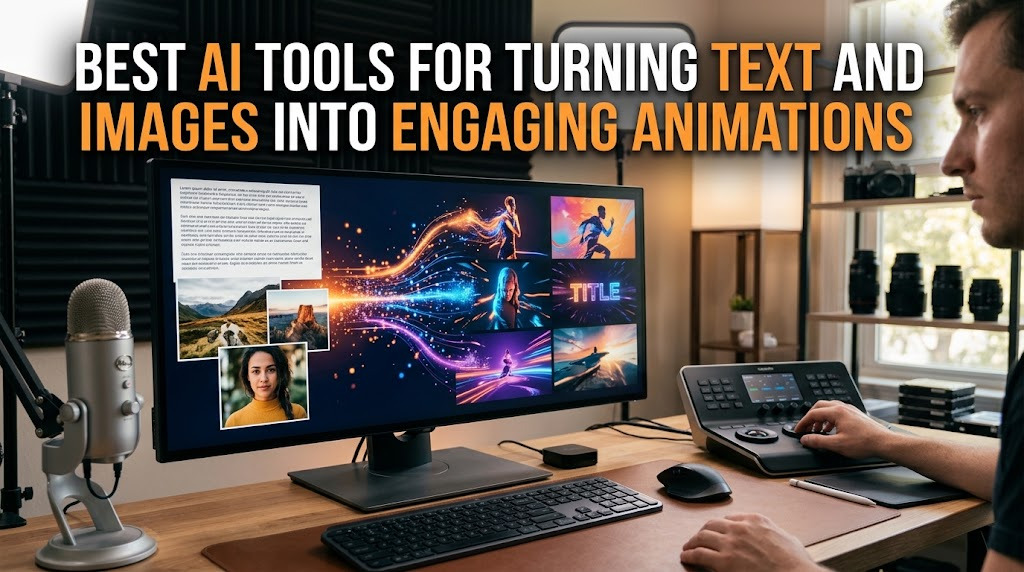
Creating animation traditionally can require considerable time, technical knowledge, and specialized software. Today, AI animation tools can simplify parts of the process by allowing users to generate motion from written descriptions or still images. This gives beginners and experienced creators more opportunities to experiment with animated content without building every element manually.
The growing popularity of AI video generation is also connected to the demand for short and visually engaging content. Creators can use AI to transform an idea into a short scene, animate an illustration, or add movement to a static photograph. However, the best results still depend on creative direction, prompt quality, editing, and careful review.
AI TOOLS FOR TEXT TO ANIMATION
Text to video technology allows users to describe a scene with words and have an AI system generate a corresponding video. A prompt can include information about the subject, environment, movement, camera angle, lighting, and visual style. This approach is particularly useful for creators who already have a strong concept but do not have the resources to produce the entire scene manually.
For example, a creator could describe a futuristic city at night with flying vehicles and moving crowds. The AI may turn the description into a short animated sequence. Results vary between platforms, so users should experiment with prompts and settings rather than expecting identical quality from every tool.
AI TOOLS FOR ANIMATING IMAGES
Image to video tools work differently because they begin with an existing image. The AI analyzes the visual information and attempts to create movement while preserving important elements of the original picture. This can be useful for photographers, illustrators, marketers, and social media creators who want to give static content a more dynamic appearance.
A creator might upload a landscape photograph and instruct the system to create subtle camera movement, moving clouds, or flowing water. Similarly, an illustrated character can potentially be animated with simple actions. The quality depends on the image, motion instructions, and the capabilities of the selected AI video tool.
RUNWAY FOR CREATIVE AI VIDEO
Runway is one of the well-known platforms in the generative video space. It provides AI-powered tools designed to help creators generate and manipulate visual content, including workflows involving text and images. Its features are aimed at creative production rather than simply producing basic animated clips.
Runway can be useful for creators who want greater control over visual concepts and cinematic-style scenes. Beginners should still spend time learning the available controls because more advanced features can require experimentation. The platform's capabilities and pricing can change over time, so users should check its current offering before choosing it for a project.
PIKA FOR QUICK AI ANIMATION EXPERIMENTS
Pika focuses on making AI-generated video creation accessible through relatively simple workflows. Users can experiment with text-based instructions and image-based inputs to produce short visual sequences. This makes it an interesting option for creators who want to explore AI animation without building scenes completely from scratch.
Pika can be particularly useful for social media experiments, creative concepts, and short visual clips. As with other generative video platforms, users should carefully inspect generated results because AI may produce unexpected movements or changes to objects and characters.
ADOBE TOOLS FOR CREATIVE WORKFLOWS
Adobe has incorporated generative AI into several creative workflows through its Firefly ecosystem. Adobe's approach is particularly relevant for creators who already use professional design and video-editing software. AI-generated elements can be combined with conventional editing and design techniques to create a more controlled production process.
This type of workflow can be valuable when AI-generated content needs additional editing after generation. Instead of publishing an AI clip immediately, creators can refine composition, typography, sound, transitions, and other elements. This combination of automation and manual editing can produce a more polished final result.
WHAT MAKES AN AI ANIMATION TOOL EFFECTIVE?
Choosing the best AI animation tool is not only about image quality. Users should also consider ease of use, generation speed, output resolution, motion control, consistency, editing features, pricing, and commercial usage rights. A tool that produces impressive demonstrations may not necessarily be the best choice for a particular project.
Creators should also consider whether the platform supports the format they need. Someone making TikTok or Instagram content may prioritize vertical video, while a YouTube creator may need different dimensions or longer sequences. Understanding these requirements before generating content can save both time and resources.
TIPS FOR TURNING TEXT AND IMAGES INTO BETTER ANIMATIONS
The quality of an AI-generated animation often begins with the input. For text prompts, describe the main subject, action, environment, camera movement, lighting, and visual style instead of relying on a very short description. For image animation, choose a clear source image and explain the type of movement you want rather than asking the system to change everything at once.
It is also useful to generate several versions and compare them. Small changes in wording can produce significantly different results. After generation, use a video editor to remove unwanted sections, arrange multiple clips, add music or voice-over, and create a coherent story.
CONCLUSION
The best AI tools for turning text and images into animations depend on the creator's goals, technical experience, budget, and desired level of control. Platforms such as Runway, Pika, and Adobe's generative AI ecosystem represent different approaches to AI-assisted visual production, while other platforms may also be suitable depending on current features.
The most effective strategy is not simply to find the tool with the most impressive demonstration. Instead, creators should choose a platform that fits their workflow and combine AI video generation, strong prompts, quality source images, creative storytelling, and human editing to produce engaging animations.
About the Author
Gusti Ayu Tita P
Author — STEKOM University
An active author focused on academic issues, educational technology, and human resource development in the campus environment.