
Best Android Apps to Improve Productivity and Simplify Daily Tasks
Gusti Ayu Tita P
7 Agustus 2026
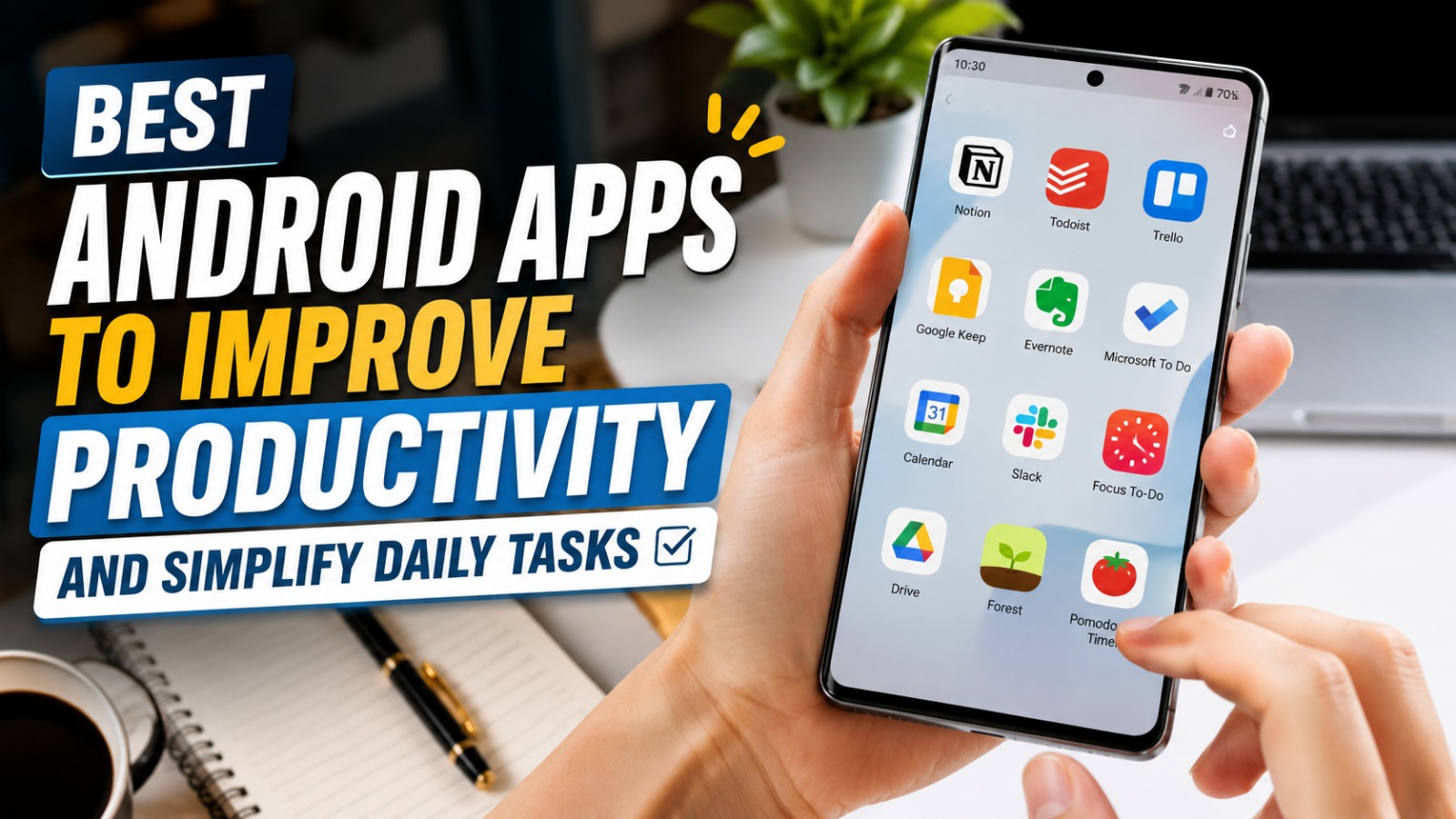
Smartphones have become more than just communication devices. Today, Android phones help people organize schedules, manage projects, take notes, collaborate with teams, and complete daily tasks more efficiently. With thousands of applications available, choosing the best Android productivity apps can significantly improve both personal and professional productivity.
Whether you are a student, employee, freelancer, or business owner, the right Android apps can help you save time and stay organized. This guide introduces some of the most useful Android productivity apps while explaining how they can simplify your daily routine and boost overall efficiency.
WHY PRODUCTIVITY APPS ARE IMPORTANT
Productivity apps help users manage their time more effectively by organizing tasks, setting reminders, and reducing unnecessary distractions. Instead of relying on memory alone, these applications provide structured ways to plan work and monitor progress. This leads to better time management and improved focus throughout the day.
Modern productivity apps also support cloud synchronization, allowing users to access information across multiple devices. Whether you're working from home, at school, or while traveling, your important notes and files remain available whenever needed. Time management, task organization, and workflow efficiency are among the biggest advantages of using productivity apps.
GOOGLE KEEP FOR QUICK NOTE-TAKING
Google Keep is one of the most popular note-taking applications for Android users. It allows you to quickly create notes, checklists, voice memos, and image-based reminders in a simple and user-friendly interface. The app automatically syncs with your Google account, ensuring your notes are always accessible.
Color labels and categories make it easy to organize information for work, school, or personal projects. Users can also collaborate by sharing notes with friends or colleagues in real time. Google Keep, digital notes, and task reminders help users stay organized without unnecessary complexity.
GOOGLE CALENDAR FOR SMART SCHEDULING
Managing appointments becomes much easier with Google Calendar. The app allows users to schedule meetings, classes, deadlines, birthdays, and personal events while sending automatic reminders before each activity. This reduces the chance of missing important commitments.
Google Calendar also integrates with Gmail, making it possible to automatically add travel bookings or event invitations. Shared calendars improve collaboration among family members and work teams. Schedule management, calendar reminders, and event planning help users maintain better control over their daily activities.
MICROSOFT TO DO FOR TASK MANAGEMENT
Microsoft To Do is an excellent application for organizing daily responsibilities. Users can create multiple task lists, prioritize important activities, and set deadlines with reminder notifications. Breaking large projects into smaller tasks makes work feel more manageable.
The app synchronizes across smartphones, tablets, and computers, making it ideal for professionals who use multiple devices. Collaboration features also allow teams to share task lists and monitor project progress together. Task management, daily planning, and productivity tracking become much easier with a structured to-do list.
GOOGLE DRIVE FOR CLOUD STORAGE
Storing important documents in Google Drive provides both convenience and security. Users can upload files, photos, videos, and presentations to cloud storage, making them accessible from any internet-connected device. This eliminates the need to carry physical storage devices everywhere.
Google Drive also supports file sharing and real-time collaboration through Google Docs, Sheets, and Slides. Teams can edit documents simultaneously, increasing workplace efficiency. Cloud storage, file sharing, and document collaboration make Google Drive an essential productivity tool.
NOTION FOR ALL-IN-ONE WORKSPACE
Notion combines note-taking, project management, databases, calendars, and document organization into a single platform. Instead of switching between multiple applications, users can manage nearly every aspect of their work from one workspace. This flexibility makes Notion suitable for students, professionals, and businesses.
Custom templates simplify project planning, meeting notes, study schedules, and personal goal tracking. Because information remains neatly organized, users spend less time searching for files and more time completing meaningful work. Notion workspace, project organization, and digital productivity make it one of the most versatile Android applications available.
FOREST TO IMPROVE FOCUS
One of the biggest productivity challenges today is smartphone distraction. Forest addresses this problem by encouraging users to stay focused while completing important tasks. When a focus session begins, a virtual tree starts growing, but leaving the app before the timer ends causes the tree to stop growing.
This simple concept motivates users to avoid unnecessary phone usage during work or study sessions. Over time, users build a virtual forest that reflects their productive habits. Focus improvement, study productivity, and distraction reduction make Forest a valuable tool for maintaining concentration.
ADOBE SCAN FOR PAPERLESS DOCUMENTS
Adobe Scan transforms your Android smartphone into a portable document scanner. Users can scan receipts, contracts, handwritten notes, business cards, and printed documents with high-quality image processing. The app automatically detects document edges and enhances text clarity.
Scanned files can be saved as PDF documents and shared instantly through email or cloud storage. This reduces paper clutter while making important documents easier to organize and retrieve. Document scanning, PDF creation, and paperless productivity simplify both personal and professional document management.
TIPS FOR CHOOSING THE RIGHT PRODUCTIVITY APPS
Not every productivity app suits every user. Before installing new applications, identify your specific needs, whether they involve note-taking, scheduling, collaboration, file storage, or focus improvement. Choosing only the tools you truly need helps avoid unnecessary clutter on your device.
It is also important to consider security, user reviews, update frequency, and synchronization capabilities before downloading any app. Reliable developers regularly release updates that improve performance and protect user data. Trusted Android apps, secure productivity tools, and regular software updates contribute to a safer and more efficient mobile experience.
CONCLUSION
The best Android productivity apps can transform your smartphone into a powerful tool for managing work, studies, and personal responsibilities. Applications such as Google Keep, Google Calendar, Microsoft To Do, Google Drive, Notion, Forest, and Adobe Scan help users stay organized, improve focus, and complete tasks more efficiently.
By selecting apps that match your lifestyle and using them consistently, you can simplify daily routines while increasing productivity. As Android continues to evolve, productivity applications will become even more intelligent, making it easier than ever to achieve your goals and manage your time effectively.
About the Author
Gusti Ayu Tita P
Author — STEKOM University
An active author focused on academic issues, educational technology, and human resource development in the campus environment.