
Common Android Mistakes Users Make and How to Avoid Them
Gusti Ayu Tita P
7 Agustus 2026
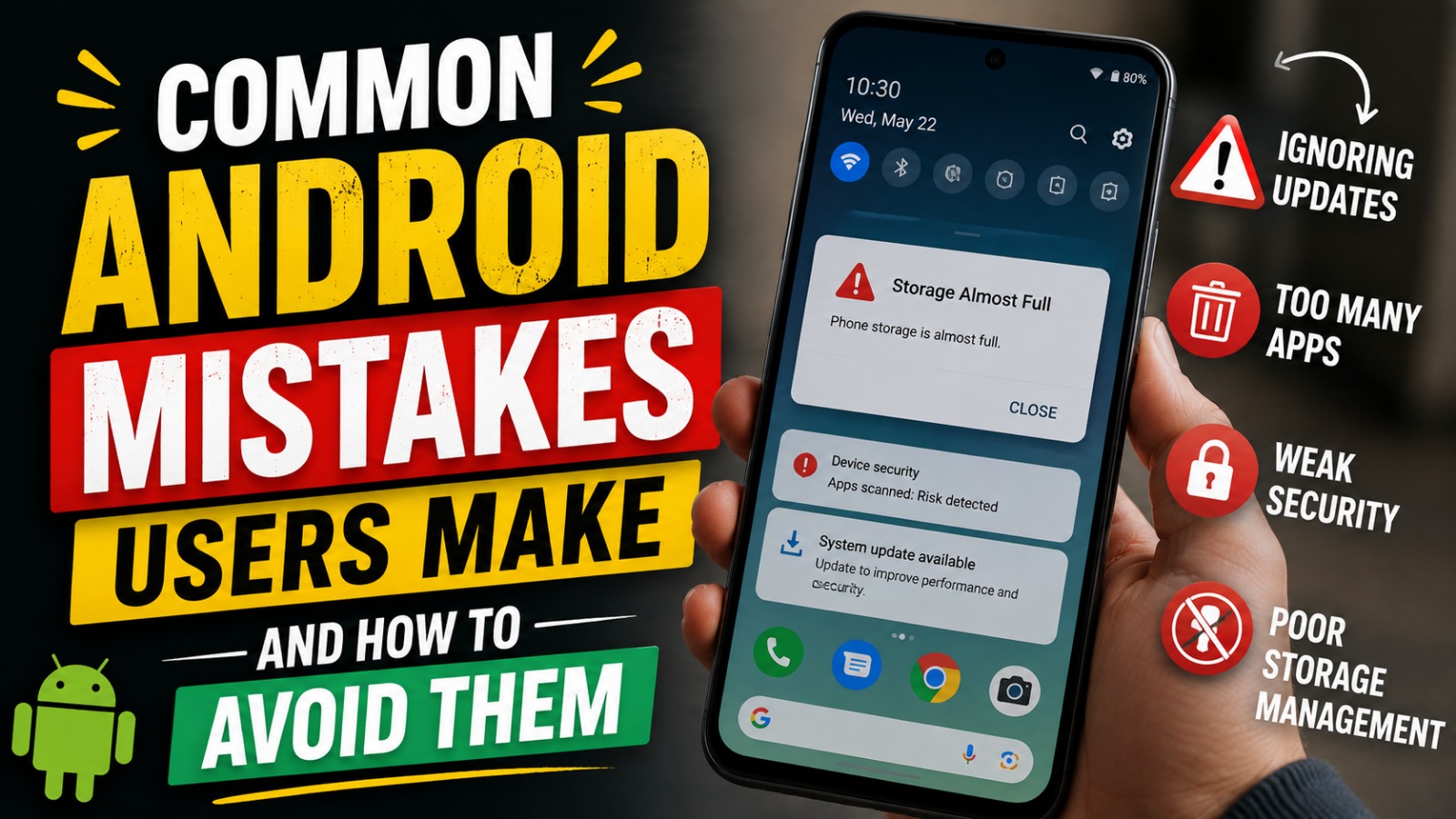
Android smartphones are powerful devices that help people communicate, work, study, and manage daily activities. However, many users unknowingly make mistakes that can reduce performance, weaken security, shorten battery life, and even lead to data loss. While these mistakes may seem minor, they can have a significant impact over time.
The good news is that most of these problems are easy to prevent. By understanding the most common Android mistakes and adopting better smartphone habits, you can improve your device's performance, protect your personal information, and extend its lifespan.
IGNORING SOFTWARE UPDATES
One of the biggest mistakes Android users make is postponing or ignoring software updates. Many people assume updates only introduce new features, but they also contain important security patches, bug fixes, and performance improvements. Running outdated software leaves your device vulnerable to newly discovered cybersecurity threats.
To avoid this problem, enable automatic updates whenever possible or regularly check for updates in your device settings. Keeping both the Android operating system and installed apps updated ensures better compatibility, stronger security, and smoother performance. Android updates, security patches, and system improvements are essential for maintaining a healthy device.
DOWNLOADING APPS FROM UNTRUSTED SOURCES
Installing applications from unknown websites is another common mistake. Although Android allows users to install apps from outside the official app store, these files may contain malware, spyware, or harmful code designed to steal personal information. A single unsafe application can compromise your entire device.
Always download apps from the Google Play Store or other trusted sources. Before installing any application, check its reviews, download count, developer information, and requested permissions. Safe app downloads, trusted developers, and Google Play Protect significantly reduce the risk of malware infections.
USING WEAK PASSWORDS OR NO SCREEN LOCK
Many users still rely on simple PINs such as "1234" or choose not to use a screen lock at all. This makes it much easier for unauthorized individuals to access personal information if the phone is lost or stolen. Sensitive data such as emails, banking apps, and private photos become vulnerable.
Protect your device with a strong password, PIN, or pattern combined with fingerprint authentication or facial recognition whenever available. Changing your password periodically further improves security. Strong authentication, screen lock security, and biometric protection help safeguard your personal data.
NEGLECTING APP PERMISSIONS
Every application requests certain permissions to function properly, but many users approve every request without reviewing it. Some apps ask for access to contacts, location, microphone, or camera even when these permissions are unnecessary. Excessive permissions can compromise both privacy and security.
Regularly review app permissions through your Android settings and disable access that is not required. Whenever possible, choose "Allow only while using the app" instead of permanent access. Permission management, Android privacy, and data security help reduce unnecessary information sharing.
LETTING STORAGE BECOME COMPLETELY FULL
Ignoring available storage is another mistake that affects Android performance. When internal storage becomes nearly full, your smartphone may slow down, applications may crash, and future software updates may fail to install. Insufficient storage also limits your ability to capture photos or download files.
Clean your device regularly by deleting unnecessary downloads, removing duplicate files, clearing application cache, and uninstalling apps you no longer use. Backing up photos and videos to cloud storage also helps free valuable space. Storage management, Android cleanup, and cloud backup improve both speed and reliability.
KEEPING TOO MANY APPS RUNNING IN THE BACKGROUND
Many applications continue running after they are closed, consuming battery power, memory, and mobile data. While some background activity is necessary, excessive background processes reduce battery life and may slow overall device performance. Users often overlook this hidden source of resource consumption.
Review your battery usage settings to identify apps using excessive background resources. Restrict unnecessary background activity for apps that do not require continuous updates. Background app management, battery optimization, and performance improvement contribute to a faster and more efficient Android experience.
USING PUBLIC WI-FI WITHOUT PRECAUTIONS
Connecting to free public Wi-Fi is convenient, but it also introduces cybersecurity risks. Unsecured networks can allow attackers to intercept internet traffic and potentially access sensitive information such as passwords or financial details. Many users unknowingly expose themselves to these threats.
Avoid accessing banking services or entering confidential information while using public Wi-Fi. If you must connect, use a trusted Virtual Private Network (VPN) to encrypt your internet connection. Secure browsing, VPN protection, and safe internet habits help protect your online privacy.
CHARGING THE BATTERY IMPROPERLY
Battery health depends not only on charging frequency but also on charging habits. Frequently allowing your battery to reach 0% or leaving it plugged in for extended periods may gradually reduce its lifespan. Using low-quality chargers can also generate excessive heat and damage the battery.
Use original or certified chargers whenever possible and avoid exposing your device to extreme temperatures while charging. Keeping the battery between 20% and 80% during regular use can help preserve long-term battery health. Battery care, safe charging, and charger quality support longer-lasting performance.
FAILING TO BACK UP IMPORTANT DATA
Many users realize the importance of backups only after losing valuable files. Accidental deletion, device failure, theft, or malware attacks can permanently erase photos, contacts, and important documents if no backup exists. Relying solely on internal storage is risky.
Enable automatic backups using your Google account or another trusted cloud service. You can also maintain additional backups on a computer or external storage device. Android backup, cloud storage, and data recovery provide peace of mind and ensure your important files remain protected.
CONCLUSION
Avoiding common Android mistakes is one of the easiest ways to improve your smartphone's performance, security, and reliability. Keeping your software updated, installing apps from trusted sources, managing storage, reviewing permissions, practicing safe charging, and backing up your data all contribute to a better Android experience.
Good smartphone habits not only extend the lifespan of your device but also protect your personal information from modern cybersecurity threats. By following these best practices, you can enjoy a faster, safer, and more efficient Android device every day.
About the Author
Gusti Ayu Tita P
Author — STEKOM University
An active author focused on academic issues, educational technology, and human resource development in the campus environment.