
Common Reasons Why Android Phones Become Slow and How to Fix Them
Gusti Ayu Tita P
7 Agustus 2026
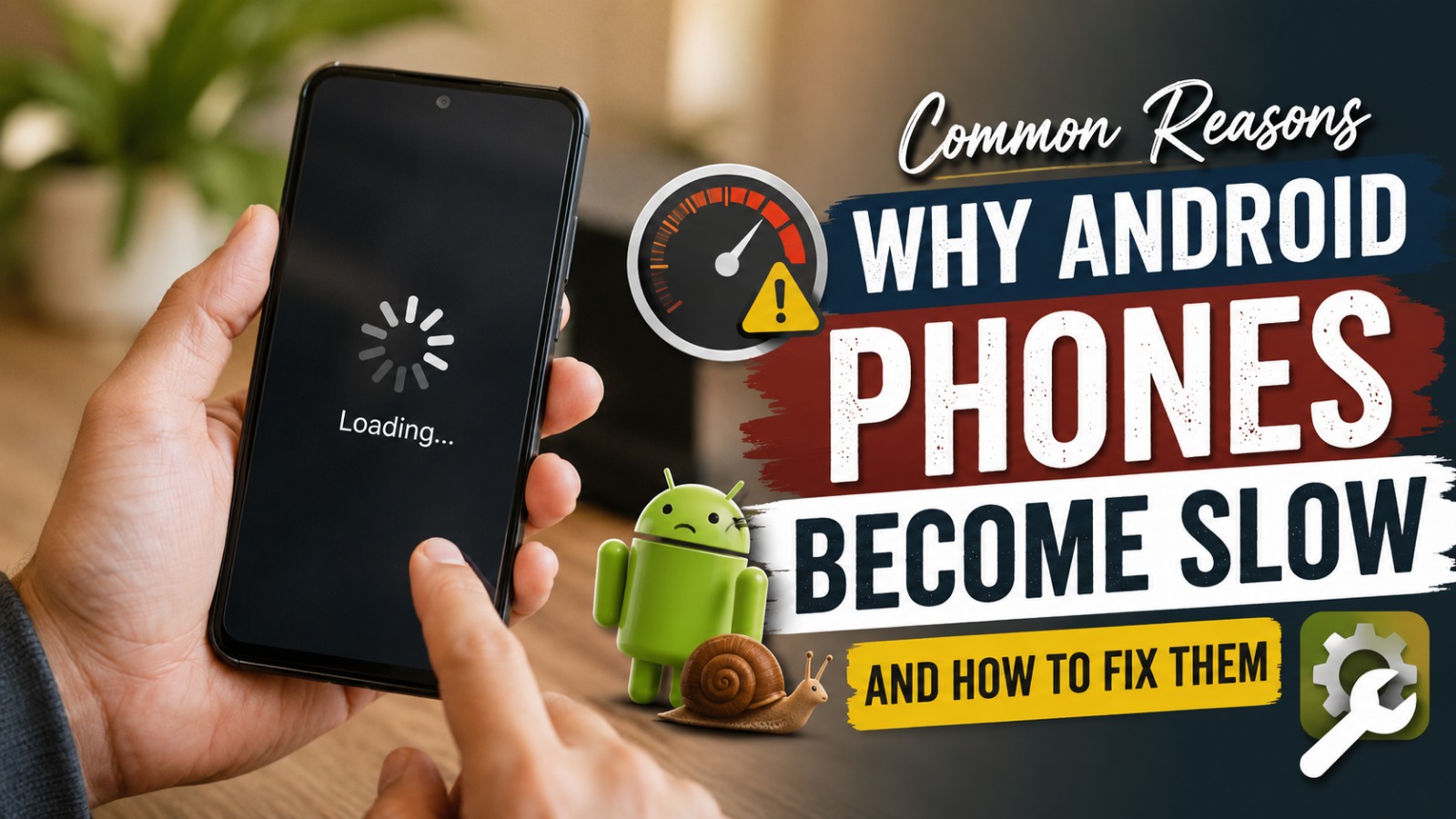
Many users experience the problem of an Android Phone Slow after using their device for a long time. A smartphone that was originally fast may become less responsive, applications may open slowly, and daily activities can feel more frustrating. This situation is common and can happen because of various factors related to hardware, software, and user habits.
Understanding the causes of slow performance is important before trying to fix the problem. By identifying the main issues and applying the right solutions, users can improve Android Performance without immediately replacing their smartphones. Proper Android Maintenance can help keep devices running smoothly for a longer time.
TOO MANY UNUSED APPLICATIONS
One of the most common reasons an Android phone becomes slow is having too many installed applications. Many apps continue using storage space and may run background processes even when users rarely open them. Over time, these applications can consume memory and reduce overall smartphone speed.
To solve this problem, users should review installed applications regularly. Remove programs that are no longer needed and keep only applications that provide real value. Reducing unnecessary apps can free up resources and improve Smartphone Speed significantly.
LIMITED STORAGE SPACE
Full storage is another major cause of slow Android performance. When internal storage is almost completely used, the operating system has less space to manage temporary files and system processes. This can cause delays when opening applications, saving files, or performing basic tasks.
Users can improve performance by deleting unnecessary photos, videos, documents, and downloads. Moving large files to cloud storage or external devices can also create more available space. Maintaining enough free storage is an important part of Mobile Optimization.
EXCESSIVE CACHE FILES
Cache files are created by applications to help them load faster. However, when too much cache accumulates, it can take up valuable storage space and sometimes cause application errors. Large amounts of outdated cache data may contribute to slower device performance.
Clearing cache regularly can help refresh applications and improve system efficiency. Android users can clear cache through application settings or built-in cleaning tools. This simple step can help maintain a smoother user experience without deleting important personal data.
OUTDATED ANDROID SOFTWARE
Using an outdated operating system can affect smartphone performance. Older software versions may contain bugs, security weaknesses, and compatibility problems with newer applications. These issues can make the device feel slower over time.
Installing official system updates helps improve stability and performance. Updates often include optimization improvements that allow Android devices to work more efficiently. Keeping software current is an important step in maintaining a reliable smartphone.
RUNNING TOO MANY BACKGROUND PROCESSES
Many applications continue operating in the background after users close them. These processes can consume RAM, battery power, and processor resources. When too many apps run simultaneously, the phone may become slower and less responsive.
Users can manage background activity through Android settings. Limiting unnecessary background applications allows the system to focus resources on important tasks. Better management of running apps can improve speed and battery efficiency.
AGING BATTERY PERFORMANCE
Battery condition can also affect Android performance. As batteries become older, some smartphones automatically reduce performance to maintain stability and prevent unexpected shutdowns. This can make the device feel slower than when it was new.
Replacing an old battery or maintaining proper charging habits can help improve reliability. Users should avoid extreme temperatures and use suitable chargers to protect battery health. A healthy battery supports better overall device performance.
TOO MANY WIDGETS AND VISUAL EFFECTS
Widgets and animations can make Android interfaces more attractive and convenient. However, using too many widgets or advanced visual effects may increase system workload, especially on older devices. This can reduce responsiveness and create delays.
Users can improve performance by removing unnecessary widgets and reducing animation effects. A simpler home screen requires fewer resources and allows the phone to operate more efficiently. Small interface adjustments can create noticeable improvements.
MALWARE OR UNSAFE APPLICATIONS
Malware and unsafe applications can seriously affect smartphone performance. Harmful software may secretly run in the background, display unwanted advertisements, or consume system resources. In some cases, it can also threaten personal information security.
To prevent this problem, users should download applications only from trusted sources. Checking app permissions and avoiding suspicious links can reduce security risks. A secure device usually provides better performance because unnecessary harmful processes are prevented.
HARDWARE LIMITATIONS
Sometimes slow performance happens because of hardware limitations. Older smartphones may struggle with modern applications that require more processing power, memory, and storage capacity. As technology develops, newer apps often demand higher device specifications.
If hardware limitations are the main cause, optimization can only provide limited improvements. Users may need to consider upgrading to a newer smartphone with better specifications. Choosing a device with suitable hardware from the beginning can prevent future performance issues.
FACTORY RESET TO RESTORE PERFORMANCE
A factory reset can be an effective solution when an Android phone remains slow after other methods have been tried. This process removes applications, settings, and files, returning the device to its original condition. It can solve software problems caused by years of accumulated data.
Before performing a reset, users must create a complete backup of important information. Contacts, photos, documents, and other valuable files should be stored safely. A factory reset should be considered as a final solution when normal maintenance is no longer effective.
CONCLUSION
A slow Android phone can be caused by many factors, including full storage, outdated software, excessive applications, background processes, and aging hardware. Understanding these causes helps users choose the right solutions instead of making unnecessary purchases.
By applying proper Android Maintenance, managing storage, updating software, and using applications wisely, users can improve their Android Performance and extend the lifespan of their devices. A well-maintained smartphone can remain fast, efficient, and reliable for everyday activities
About the Author
Gusti Ayu Tita P
Author — STEKOM University
An active author focused on academic issues, educational technology, and human resource development in the campus environment.