
Coretax DJP Error or Login Failed? Causes and How to Fix Them
Gusti Ayu Tita P
26 Agustus 2026
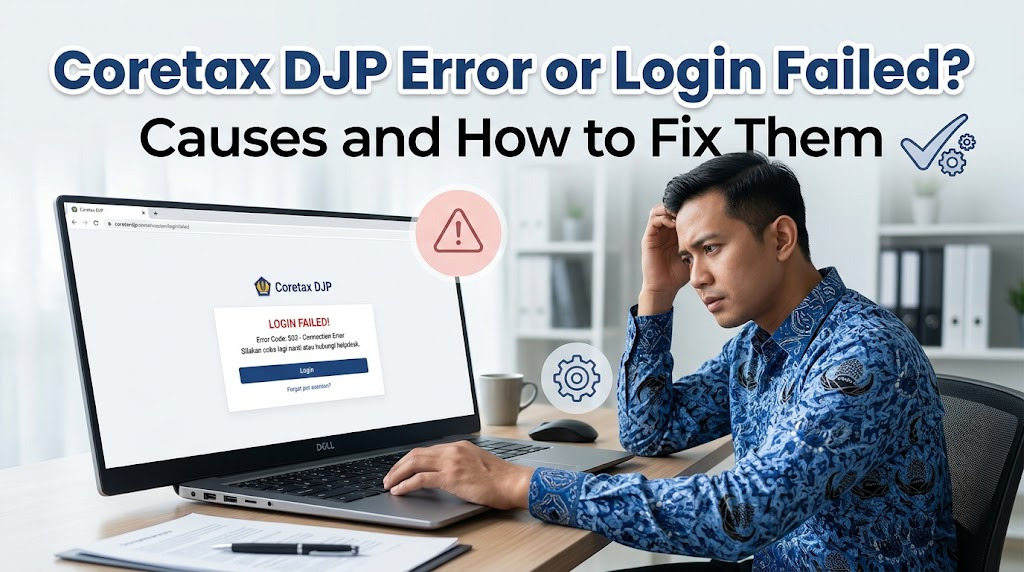
Coretax DJP errors or failed login attempts can make it difficult for taxpayers to access digital tax administration services. These problems may happen for several reasons, including incorrect login information, an unstable internet connection, browser issues, or temporary system problems. Understanding the cause can help users choose the right solution.
For first-time users, experiencing a Coretax DJP login problem can be confusing. However, many common issues can be checked and resolved through simple steps. If the problem is related to the account or system and cannot be fixed independently, taxpayers should use official Directorate General of Taxes or DJP support channels.
COMMON REASONS WHY CORETAX DJP CANNOT BE ACCESSED
There are several reasons why Coretax DJP may fail to open or process a login request. Incorrect NIK or NPWP information, an incorrect password, failed verification, and an unstable internet connection are some common causes. Problems can also occur when the account activation process has not been completed properly.
Technical issues can also affect access to the platform. In some situations, users may experience temporary difficulties when the system is undergoing maintenance or receiving heavy traffic. Therefore, users should check basic factors first before assuming that their Coretax account is damaged.
CHECK YOUR NIK OR NPWP AND PASSWORD
The first step when experiencing a Coretax login failure is to check the information entered. Make sure your NIK or NPWP matches the taxpayer information registered with DJP. A single incorrect number can cause the system to reject the login attempt.
You should also check your Coretax password carefully. Pay attention to uppercase and lowercase letters, numbers, and other required characters. If you cannot remember your password, use the official password recovery feature instead of repeatedly entering incorrect credentials.
USE THE FORGOT PASSWORD FEATURE
If the problem is caused by a forgotten password, select the Forgot Password option available on the Coretax login page. Follow the instructions provided by the system to complete the recovery process. Depending on the applicable procedure, verification information may be sent to your registered email address or mobile phone.
Make sure your email and mobile number are still active and accessible. If you do not receive a verification message, check your spam folder and make sure your internet or mobile connection is working properly. Never share verification codes or OTPs with other people.
CHECK YOUR INTERNET CONNECTION AND BROWSER
An unstable internet connection can prevent Coretax from loading correctly or completing the login process. Check your connection before trying again. If possible, use a reliable private network when accessing your tax account.
Browser problems can also affect the website. Make sure your web browser is updated and supports modern web services. If the problem continues, try refreshing the page or accessing Coretax through another supported browser.
CLEAR YOUR BROWSER CACHE
Sometimes, outdated browser cache and cookies can interfere with website functionality. Clearing the relevant browser data and reopening the Coretax portal may help resolve certain display or loading problems. After doing so, enter your login information again carefully.
If you are using a shared computer, make sure your Coretax credentials are not saved automatically. Avoid allowing other people to access your taxpayer account. Protecting your login information is especially important because the account contains sensitive tax administration data.
WHAT TO DO WHEN AN ERROR MESSAGE APPEARS
When Coretax displays an error message, pay attention to the information shown on the screen. A code or description may provide clues about the cause of the problem. If necessary, save the error details or take a screenshot for your own reference.
Next, check whether the issue is related to incomplete information, an unfinished process, or a technical problem. Avoid repeatedly submitting the same request without understanding the error. If the message continues to appear, provide the relevant details when contacting official DJP support.
WHAT IF CORETAX DJP IS EXPERIENCING A SYSTEM PROBLEM?
Not every Coretax DJP error is caused by the user's device or account. Temporary system problems can sometimes affect access or specific services. In such situations, repeatedly trying to log in may not immediately solve the problem.
Check official DJP information channels for announcements about system maintenance or service disruptions. If there is a confirmed technical problem, wait until the service becomes available again before completing important tax administration. Avoid unofficial websites that request your login credentials or offer questionable access methods.
CONTACT OFFICIAL DJP SUPPORT
If the basic troubleshooting steps do not solve the Coretax login problem, taxpayers can contact official DJP support channels. Explain the problem clearly and provide the error information when requested. This can help the support team identify the appropriate solution.
However, never provide your password, OTP, passphrase, or other confidential security credentials to someone claiming to provide assistance through an unofficial channel. Protecting account information should remain a priority throughout the troubleshooting process.
TIPS FOR A SMOOTH CORETAX LOGIN
To reduce future login problems, keep your Coretax account information secure and up to date. Make sure your registered email address and mobile phone number remain active. It is also recommended to use an updated browser and a stable internet connection.
Do not wait until the last day to complete important online tax administration. Starting tax reporting or other obligations earlier gives you more time to resolve unexpected technical problems. Good preparation can make the overall tax administration process more efficient.
CONCLUSION
A Coretax DJP error or failed login can result from incorrect NIK or NPWP information, an incorrect password, browser problems, an unstable internet connection, account activation issues, or temporary system disruptions. Checking each possible cause systematically can help taxpayers identify the appropriate solution.
By understanding Coretax DJP errors, Coretax login, Coretax passwords, Coretax accounts, taxpayer information, and online tax administration, users can handle common problems more confidently. When an issue cannot be resolved independently, always use official DJP support channels and never share confidential account information with unauthorized parties.
About the Author
Gusti Ayu Tita P
Author — STEKOM University
An active author focused on academic issues, educational technology, and human resource development in the campus environment.