
Top 10 Android Features You Should Use to Boost Productivity
Gusti Ayu Tita P
7 Agustus 2026
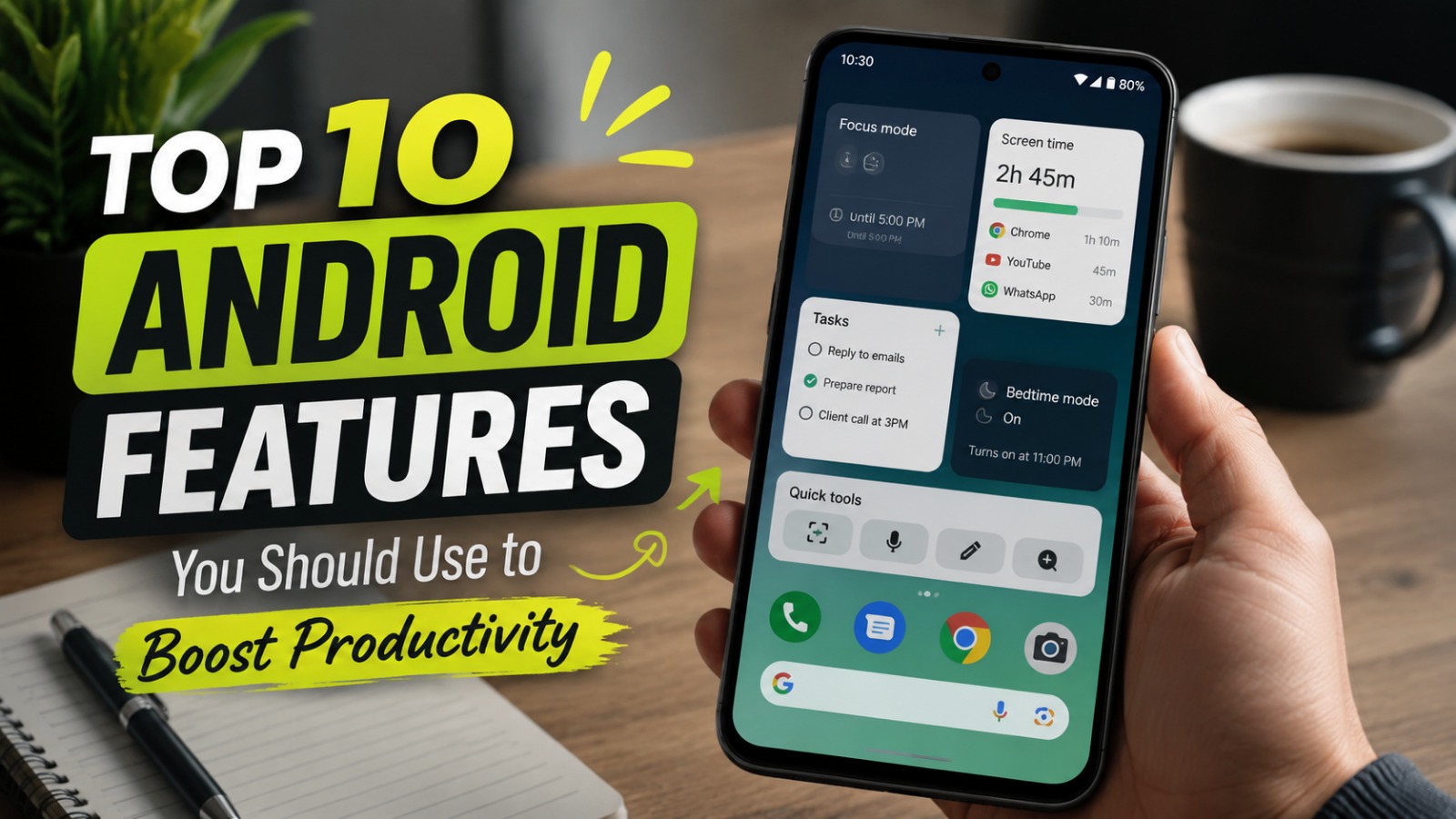
Modern smartphones are no longer only used for communication and entertainment. With the development of technology, Android smartphones have become powerful tools that can help users manage work, education, and daily activities more efficiently. By using the right Android Features, users can save time, organize tasks, and improve overall productivity.
Many Android users only use basic functions such as calling, messaging, and browsing. However, Android provides many hidden and useful tools that can simplify daily routines. Learning how to maximize these features can transform a smartphone into a reliable personal assistant.
MULTITASKING WITH SPLIT SCREEN MODE
One of the most useful Android Productivity features is Split Screen Mode. This feature allows users to open and use two applications at the same time on one screen. For example, users can watch a video tutorial while taking notes or reply to messages while checking important documents.
Split Screen Mode is especially helpful for students, professionals, and business owners who need to complete multiple tasks quickly. Instead of switching between applications repeatedly, users can manage different activities more efficiently. This feature helps improve focus and reduces wasted time.
SMART NOTIFICATIONS MANAGEMENT
Managing notifications properly is important for maintaining productivity. Android provides advanced notification management tools that allow users to control alerts from different applications. Users can choose which notifications are important and disable unnecessary interruptions.
Too many notifications can reduce concentration and make users lose focus during work or study sessions. By customizing notification settings, users can create a cleaner digital environment. This simple adjustment can significantly improve Smartphone Efficiency.
GOOGLE ASSISTANT FOR DAILY TASKS
Google Assistant is one of the most practical tools available on Android devices. It helps users complete tasks through voice commands without manually opening applications. Users can set reminders, create schedules, search information, send messages, and control smart devices.
This feature is valuable for people with busy schedules because it saves time and improves convenience. By using voice commands effectively, users can manage daily activities faster. Google Assistant also supports hands-free operation, making it useful while driving or performing other tasks.
DIGITAL WELLBEING TO CONTROL PHONE USAGE
Android includes Digital Wellbeing, a feature designed to help users understand and manage their smartphone habits. It provides information about screen time, application usage, and daily phone activity. Users can identify applications that consume too much time and adjust their habits.
Maintaining a healthy relationship with technology is important for productivity. Digital Wellbeing helps users reduce unnecessary smartphone usage and create better time management habits. This feature encourages more balanced and efficient device usage.
GOOGLE DRIVE AND CLOUD STORAGE INTEGRATION
Cloud storage is an essential tool for modern productivity. Android works seamlessly with Google Drive, allowing users to store, access, and share important files from anywhere. Documents, photos, and other data can be synchronized across multiple devices.
Using cloud storage reduces the risk of losing important information because files can be backed up automatically. It also makes collaboration easier because users can share documents with colleagues, classmates, or teams. This integration improves workflow efficiency.
CUSTOMIZABLE HOME SCREEN AND WIDGETS
Android is known for its high level of customization. Users can add widgets to their home screen to access important information quickly without opening multiple applications. Calendar schedules, weather updates, notes, and reminders can be displayed directly on the screen.
A well-organized home screen can improve daily productivity by reducing unnecessary steps. Users can place frequently used applications and tools in convenient locations. This simple customization creates a faster and more personalized smartphone experience.
QUICK SETTINGS FOR FASTER ACCESS
The Quick Settings Panel allows Android users to access important functions instantly. Features such as Wi-Fi, Bluetooth, flashlight, screen recording, and battery saver can be activated with only a few taps.
This tool improves efficiency because users do not need to search through multiple menus. Quick Settings is especially useful when users need to adjust device settings quickly during work or travel. It provides faster control over essential smartphone functions.
AUTOMATIC BACKUP AND DATA PROTECTION
Protecting important information is a crucial part of productivity. Android provides automatic backup options that help save contacts, photos, application data, and device settings. If a phone is lost or replaced, users can restore their information more easily.
Using backup features also provides peace of mind for users who store important files on their devices. Combined with security features such as fingerprints and facial recognition, Android helps maintain Data Protection while keeping important information accessible.
FILE MANAGEMENT TO ORGANIZE DOCUMENTS
A good file management system helps users work more efficiently. Android provides file manager applications that allow users to organize documents, images, videos, and downloads. Users can move, rename, delete, or share files easily.
Proper file organization prevents confusion and saves time when searching for important information. Professionals and students can benefit greatly from maintaining a clean storage system. Efficient file management supports better productivity in everyday activities.
APP SHORTCUTS TO SAVE TIME
Application shortcuts are another useful feature that many users overlook. These shortcuts provide quick access to specific functions inside applications without opening the full app. For example, users can directly create a new document, send a message, or start navigation.
Using shortcuts reduces the number of steps needed to complete common tasks. This feature helps users work faster and improves overall Android Tools efficiency. Small improvements like these can create significant productivity benefits over time.
CONCLUSION
Android offers many powerful features that can help users become more productive in their personal and professional lives. From Split Screen Mode, Google Assistant, and Cloud Storage to customization tools and security features, Android provides solutions for different user needs.
By understanding and using these Android Features effectively, users can save time, improve organization, and maximize the potential of their smartphones. A properly optimized Android device is not only a communication tool but also a powerful productivity partner.
About the Author
Gusti Ayu Tita P
Author — STEKOM University
An active author focused on academic issues, educational technology, and human resource development in the campus environment.