
How Can You Fix an Unreadable Fingerprint on an Attendance Machine?
Gusti Ayu Tita P
14 September 2026
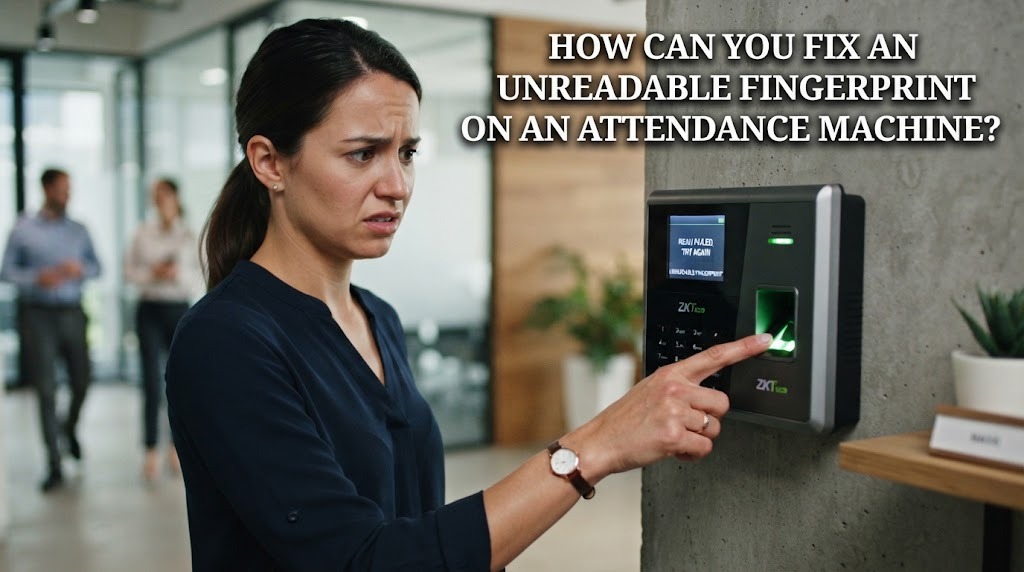
A fingerprint attendance machine helps employees record their working hours through biometric identification. However, the device may sometimes fail to recognize a registered fingerprint. This problem can interrupt the attendance process and cause inaccurate records if it is not handled properly. An unreadable fingerprint can be caused by dirty fingers, dry skin, incorrect finger placement, or a problem with the scanner. Understanding the cause of the problem can help users find a practical solution.
CHECK THE CONDITION OF YOUR FINGER
The first step is to check the condition of the finger before trying to scan it again. Dirt, oil, dust, or moisture can prevent the scanner from detecting the fingerprint clearly. Wash your hands if they are dirty and dry them before placing your finger on the sensor. Avoid scanning with excessively wet fingers because moisture can interfere with the scanning process.
Dry skin can also make fingerprint recognition more difficult. If your fingertip is extremely dry, gently moisturizing your hands may help improve the condition of the skin. However, the finger should not be excessively wet or oily when scanning. Clean and properly conditioned fingers can help the scanner capture clearer fingerprint details.
PLACE THE FINGER CORRECTLY
Incorrect finger placement is another common reason for failed fingerprint recognition. The registered finger should be placed directly on the scanning area. Make sure the central part of the fingertip touches the sensor properly. Do not place the finger at an extreme angle or only touch a small part of the sensor.
Users should also keep the finger still while the machine processes the fingerprint. Pressing too lightly may prevent the scanner from capturing enough information. Pressing too hard can also make the process uncomfortable without necessarily improving recognition. Correct finger positioning can make the scanning process faster and more accurate.
CLEAN THE FINGERPRINT SENSOR
A dirty fingerprint sensor can affect the quality of fingerprint scanning. Dust, oil, and other particles can accumulate on the surface when many employees use the same machine. These substances may prevent the sensor from capturing a clear fingerprint pattern. Cleaning the sensor regularly can therefore help maintain scanning performance.
The sensor should be cleaned carefully using a method recommended for the specific attendance machine. Avoid using materials or liquids that could damage the device. Workplace staff should include sensor maintenance in the machine's regular maintenance routine. A clean sensor can help reduce repeated scanning failures.
TRY ANOTHER REGISTERED FINGER
Some attendance machines allow employees to register more than one fingerprint. If the main registered finger cannot be recognized, users can try another registered finger. This can be useful when one finger has a small injury, dry skin, or a temporary change in its condition. Using another registered fingerprint can help employees complete attendance without unnecessary delays.
If the system supports multiple fingerprints, employees should make sure their alternative fingers are registered correctly. This provides a useful backup when the primary fingerprint cannot be detected. Multiple fingerprint registration can improve flexibility in daily attendance activities. However, users should only register fingerprints according to workplace rules and system procedures.
CHECK THE SYSTEM AND REPORT THE PROBLEM
If the fingerprint remains unreadable after trying the previous solutions, the problem may come from the attendance machine or its software. Technical issues can affect the sensor, stored biometric data, network connection, or attendance database. Employees should avoid repeatedly forcing the scanner to work when the device appears to have a technical problem. Instead, they should report the issue to the responsible staff.
Administrative or technical staff can check whether the machine is operating normally. They may also verify whether the employee's fingerprint data is still registered correctly. If necessary, the fingerprint can be registered again according to the company's procedures. Prompt reporting can prevent attendance problems from becoming more complicated.
CONCLUSION
An unreadable fingerprint on an attendance machine can usually be addressed by checking the finger, correcting its position, and cleaning the sensor. Users can also try another registered finger if the system provides this option. When these methods do not work, the problem may require technical assistance or fingerprint re-registration. Employees should follow workplace procedures so their attendance records remain accurate. Proper fingerprint scanning and regular machine maintenance can make the attendance process more reliable and efficient.
Tentang Penulis
Gusti Ayu Tita P
Penulis — Universitas STEKOM
Penulis aktif yang berfokus pada isu-isu akademik, teknologi pendidikan, dan pengembangan sumber daya manusia di lingkungan kampus.