
How to Check Taxpayer Data in Coretax DJP to Avoid Errors?
Gusti Ayu Tita P
26 Agustus 2026
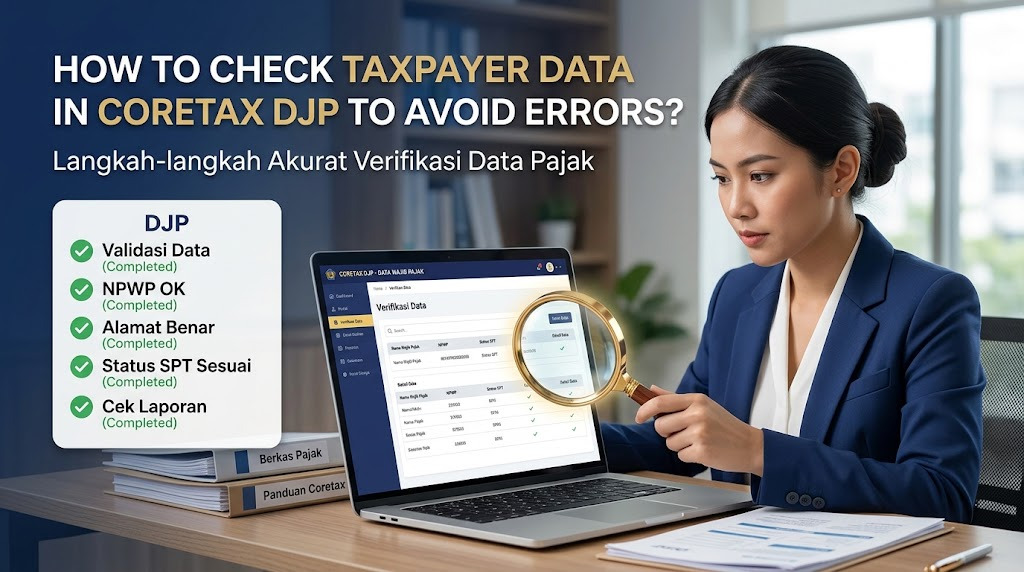
Checking taxpayer data in Coretax DJP is an important step before completing tax administration online. Accurate information helps taxpayers reduce the risk of errors when using services such as tax reporting, tax payments, registration, and other digital tax services. For this reason, taxpayers should make checking their profile a regular administrative habit.
Coretax integrates taxpayer information into a broader digital tax administration system. Because various services may rely on the information stored in the taxpayer profile, inaccurate data can create problems during later processes. By checking the information early, taxpayers have more time to correct discrepancies when necessary.
WHY SHOULD TAXPAYERS CHECK THEIR DATA?
Taxpayer data is used as an important reference in various tax administration processes. Information such as identity, address, contact details, and taxpayer status needs to remain accurate. Incorrect information can potentially cause difficulties when taxpayers submit reports or access certain services.
Regularly checking the profile also helps taxpayers identify outdated information. For example, a taxpayer may have changed an email address, telephone number, or business address without updating the relevant records. Identifying such changes early can make future tax administration easier.
PREPARE YOUR CORETAX LOGIN INFORMATION
Before checking your profile, make sure you can access your Coretax DJP account. Prepare your NIK or NPWP and password, and ensure that your registered email address or mobile phone is accessible if verification is required.
Use only the official Coretax DJP portal when entering your taxpayer information. Avoid logging in through suspicious links or websites that imitate government services. Protect your password, OTP, and other security information throughout the process.
LOG IN TO YOUR CORETAX DJP ACCOUNT
Open the official Coretax portal and complete the login process using your registered credentials. Enter the requested information carefully and complete any verification step displayed by the system. If the login fails, check your credentials and internet connection before trying again.
After successfully logging in, take a moment to familiarize yourself with the dashboard. The available menus can vary depending on your taxpayer status and access rights. Look for the section related to your taxpayer profile or personal information.
OPEN YOUR TAXPAYER PROFILE
To check your information, access the relevant taxpayer profile or account information section within Coretax. Review the data displayed by the system rather than assuming that everything is correct. The information available can depend on the taxpayer's profile and the services provided through the platform.
Pay attention to your identity and registration information. Compare the information with official documents or records that you currently hold. If something appears incorrect, determine the appropriate procedure for correcting it before continuing with other tax services.
CHECK YOUR PERSONAL INFORMATION
One of the first things to review is your personal taxpayer information. Check your name, NIK or NPWP, date or other identity information displayed in the system, and taxpayer status where applicable. Make sure there are no obvious differences between Coretax and your valid records.
For individual taxpayers, accurate identity information is especially important for tax administration and verification. If you identify a discrepancy, do not simply create another account or enter unrelated information. Follow the official procedure provided by DJP for correcting taxpayer data.
CHECK YOUR ADDRESS AND CONTACT INFORMATION
Next, review your address, email address, and mobile phone number. Contact information is important because it may be used for notifications, verification, or account recovery. An inactive email or phone number can make certain administrative processes more difficult.
If your address or contact details have changed, determine whether the information can be updated directly through Coretax. Some changes may require additional verification or supporting documents. Follow the applicable procedure rather than making unsupported changes.
CHECK BUSINESS INFORMATION IF APPLICABLE
Business taxpayers should also review their business profile and registration information. Check details such as business activities, business address, taxpayer status, and other relevant information displayed in the account. Make sure the information is consistent with the current business condition.
For companies and other business entities, inaccurate information can affect tax administration and business-related services. Keep supporting documents available if a data correction requires verification. Regular profile reviews can help businesses identify outdated information before submitting tax documents.
WHAT IF YOU FIND INCORRECT DATA?
If you find an error in your Coretax taxpayer data, first identify which information is incorrect. Check whether the data can be updated through the available online feature or whether a specific administrative procedure is required.
Do not enter random information simply to make the profile appear complete. Use valid supporting documents when correcting information. If you are unsure about the procedure, consult official DJP guidance or contact an official support channel.
CHECK YOUR DATA BEFORE TAX REPORTING
It is particularly important to review taxpayer information before filing a tax return. Incorrect identity or registration information can complicate the reporting process. Checking the profile beforehand gives you an opportunity to address problems before submitting important tax information.
You should also compare relevant information with your tax documents and financial records. This is especially useful for businesses that handle a large number of transactions. Accurate records help create consistency between accounting information and tax administration.
TIPS TO KEEP TAXPAYER DATA ACCURATE
Make it a habit to review your Coretax profile periodically, especially after changing your address, email, telephone number, business activity, or other relevant information. Do not wait until the reporting deadline to discover an outdated record.
Keep copies of important tax and identity documents in a secure location. Organized documentation makes it easier to support a data correction if required. Most importantly, protect your Coretax credentials and never share confidential login information with unauthorized individuals.
CONCLUSION
Checking taxpayer data in Coretax DJP is a simple but important step in maintaining accurate tax administration. Taxpayers should review their identity information, taxpayer status, address, contact details, and business information when applicable.
By regularly checking Coretax taxpayer data, Coretax login, taxpayer profile, online tax administration, tax reporting, and taxpayer information, users can identify potential errors earlier. If incorrect information is found, use the appropriate official correction procedure and rely on current guidance from the Directorate General of Taxes.
Tentang Penulis
Gusti Ayu Tita P
Penulis — Universitas STEKOM
Penulis aktif yang berfokus pada isu-isu akademik, teknologi pendidikan, dan pengembangan sumber daya manusia di lingkungan kampus.