
How to Check the Delivery Status of a COD Package?
Gusti Ayu Tita P
24 Agustus 2026
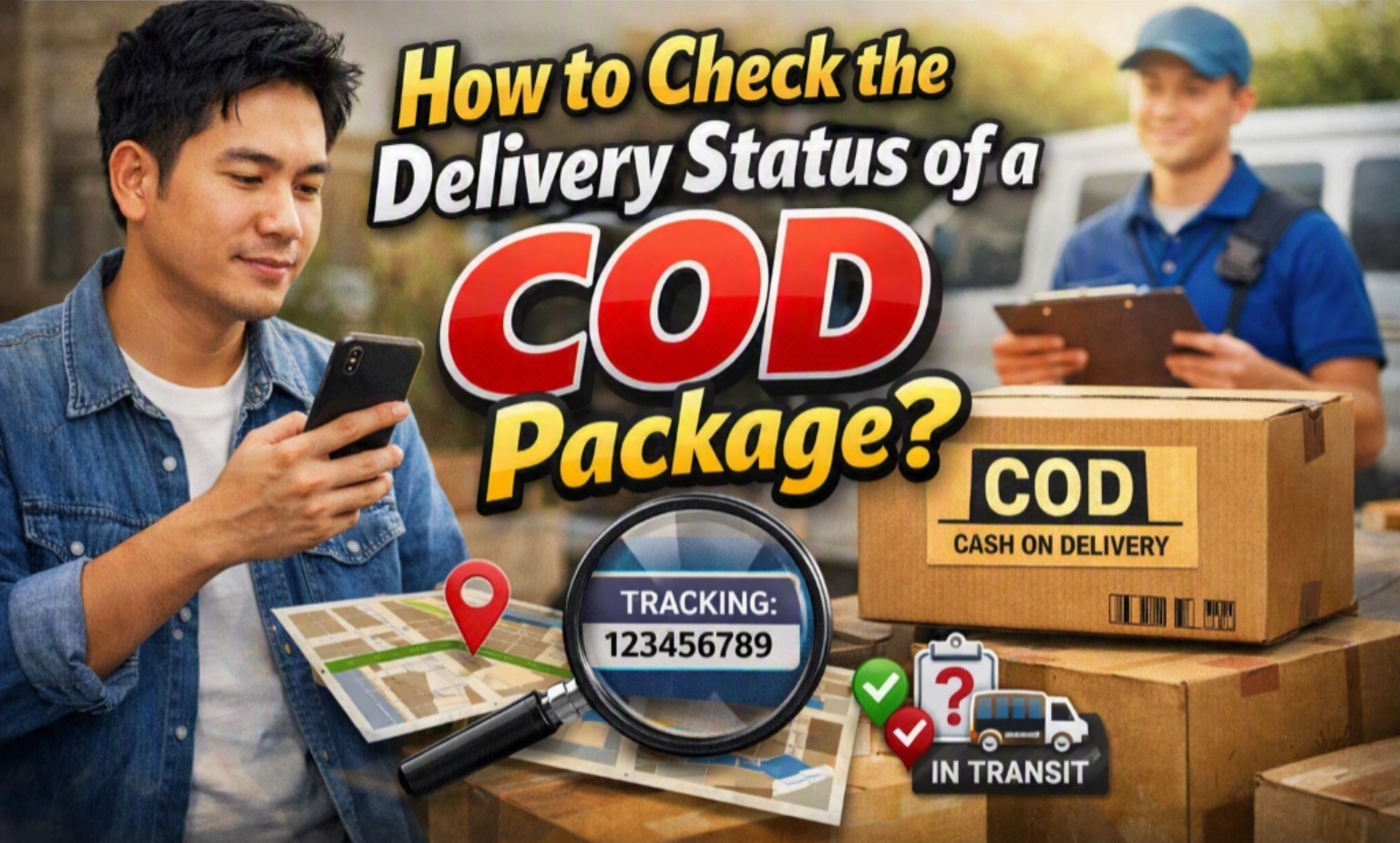
Cash on Delivery or COD is a popular payment method that allows customers to pay for an order when the package arrives. Because payment is made upon delivery, customers often want to know the delivery status of their package and estimate when it will arrive. Checking the shipment status regularly can help prevent missed deliveries and make it easier to prepare the payment. Fortunately, tracking a COD package is generally simple when the tracking number is available. This article explains practical ways to check a COD package and what each delivery status means.
PREPARE YOUR TRACKING NUMBER
The first step to checking a COD package is finding the tracking number or shipment number provided by the seller or online store. This number is usually sent through a chat message, email, SMS, or shopping platform notification after the order has been shipped. Each courier may use a different name for the tracking number, but its purpose is the same: identifying and monitoring a specific shipment. Make sure you enter the number correctly because one incorrect character can cause the tracking information to appear invalid. If you cannot find the number, contact the seller and ask them to provide the shipment details.
Keep the tracking number until the package has been successfully received. It can be useful when you need to check the latest delivery update, report a delay, or contact the courier. You should also confirm that the tracking number belongs to the correct courier service. Some online marketplaces provide the courier name together with the tracking number, making the process easier. Avoid sharing unnecessary personal information when asking others to help track your package.
CHECK THE PACKAGE THROUGH THE COURIER WEBSITE
One of the most reliable ways to check a COD shipment is through the official website of the courier handling the package. Open the courier's official tracking page and enter the tracking number in the provided field. After submitting the number, the system will normally display information such as the shipment location, delivery progress, and latest update. The exact appearance of the tracking page can vary between courier companies. Always use the courier's official website or application to reduce the risk of entering information on an unreliable website.
If the tracking information has not appeared yet, the package may still be waiting for its first scan or system update. In some cases, there can also be a short delay between the seller handing over the package and the courier registering it. Try checking again after some time rather than immediately assuming that the package is lost. If the status remains unchanged for an unusually long period, contact the courier customer service or seller for clarification.
USE THE SHOPPING PLATFORM OR COURIER APPLICATION
Many online shopping platforms allow customers to monitor their packages directly from the order page. Open your account, select the relevant order, and look for the shipping or tracking section. The platform may show the current delivery status, courier name, tracking number, and estimated arrival information. This method is convenient because customers do not always need to open a separate courier website. However, the information may occasionally update slightly later than the courier's own tracking system.
Some courier companies also provide official mobile applications with shipment tracking features. These applications can make it easier to monitor several packages and receive notifications about delivery progress. Before using an application, make sure it is the official app from the courier or a trusted marketplace. Keep your account information secure and avoid installing tracking applications from unknown sources.
UNDERSTAND COMMON COD DELIVERY STATUSES
Understanding delivery terms makes it easier to know where a COD package is in the shipping process. A status such as order processed generally means the shipment information has been received or prepared by the seller or courier. Picked up usually indicates that the courier has collected the package from the sender. A status such as in transit means the package is moving through the courier's transportation or sorting network. When the status says out for delivery, the package is generally with a delivery courier and may arrive that day.
Another important status is delivered, which indicates that the shipment has been recorded as successfully received. If the status shows delivery failed, there may have been an issue such as the recipient being unavailable, an incorrect address, or another delivery problem. Because COD requires payment when the package is delivered, customers should pay attention when the status changes to out for delivery. If a status seems unclear, checking the courier's explanation or contacting customer service is the safest approach.
CHECK THE DELIVERY STATUS REGULARLY
Customers do not need to check their package tracking every few minutes because courier systems usually update automatically. Checking once or twice a day is normally enough for ordinary shipments, especially when the estimated delivery date is still several days away. More frequent checking can be useful when the package is already close to the destination or marked out for delivery. Regular monitoring helps customers know when they should prepare to receive the package and make the COD payment. It can also help identify unusual delays sooner.
Make sure the delivery address and recipient details are correct when placing the order. If you notice an unexpected status, such as a failed delivery attempt, respond as soon as possible through the appropriate courier or marketplace channel. Do not ignore repeated delivery attempts because the package may eventually be returned to the seller. Keeping your phone available during the expected delivery period can also make communication with the courier easier.
WHAT TO DO IF THE TRACKING STATUS DOES NOT CHANGE?
A tracking status that does not change immediately does not always mean there is a serious problem. Packages can remain at a sorting facility or transit location while waiting for the next transportation stage. System updates can also take time, particularly during weekends, holidays, promotional periods, or periods of high shipping volume. Wait for a reasonable period based on the courier's estimated delivery schedule before taking further action. If there is no meaningful update beyond the expected timeframe, contact the seller or courier.
When contacting customer service, prepare the tracking number, recipient name, delivery address, and relevant order information. Explain the last tracking status and when it was last updated. This information helps the courier investigate the shipment more efficiently. If the package is confirmed to be delayed, ask for an updated delivery estimate. Keep any important communication or reference number until the COD package has been received successfully.
PREPARE FOR COD DELIVERY
Checking the delivery status is especially important for COD orders because the recipient needs to be ready when the courier arrives. Before delivery, confirm the amount that must be paid according to the order details or marketplace information. Prepare the required payment method and make sure the amount matches the expected COD charge. If the courier offers a supported digital payment option, follow the official payment procedure provided by the courier. Never transfer money to an unrelated personal account simply because someone claims to be the delivery courier.
When the package arrives, check that the recipient and package details are appropriate before completing the transaction. Follow the marketplace or courier's rules regarding inspection because some COD services have specific policies about opening packages before payment. If there is a serious issue with the shipment, contact the seller or courier through an official channel. After receiving the package, keep the order confirmation and payment record until the transaction is fully resolved.
CONCLUSION
Checking the delivery status of a COD package is a simple way to monitor an order and prepare for its arrival. Start by locating the tracking number, then use the official courier website, courier application, or shopping platform to view the latest shipment information. Understanding common tracking statuses can help you determine whether the package is being processed, transported, delivered, or experiencing a problem. Regular monitoring is particularly useful when the package is close to its estimated arrival date. By using official tracking channels and preparing the correct COD payment, customers can make the delivery process safer, clearer, and more convenient.
Tentang Penulis
Gusti Ayu Tita P
Penulis — Universitas STEKOM
Penulis aktif yang berfokus pada isu-isu akademik, teknologi pendidikan, dan pengembangan sumber daya manusia di lingkungan kampus.