
How To Check Vehicle Tax Using Registration Data?
Gusti Ayu Tita P
7 September 2026
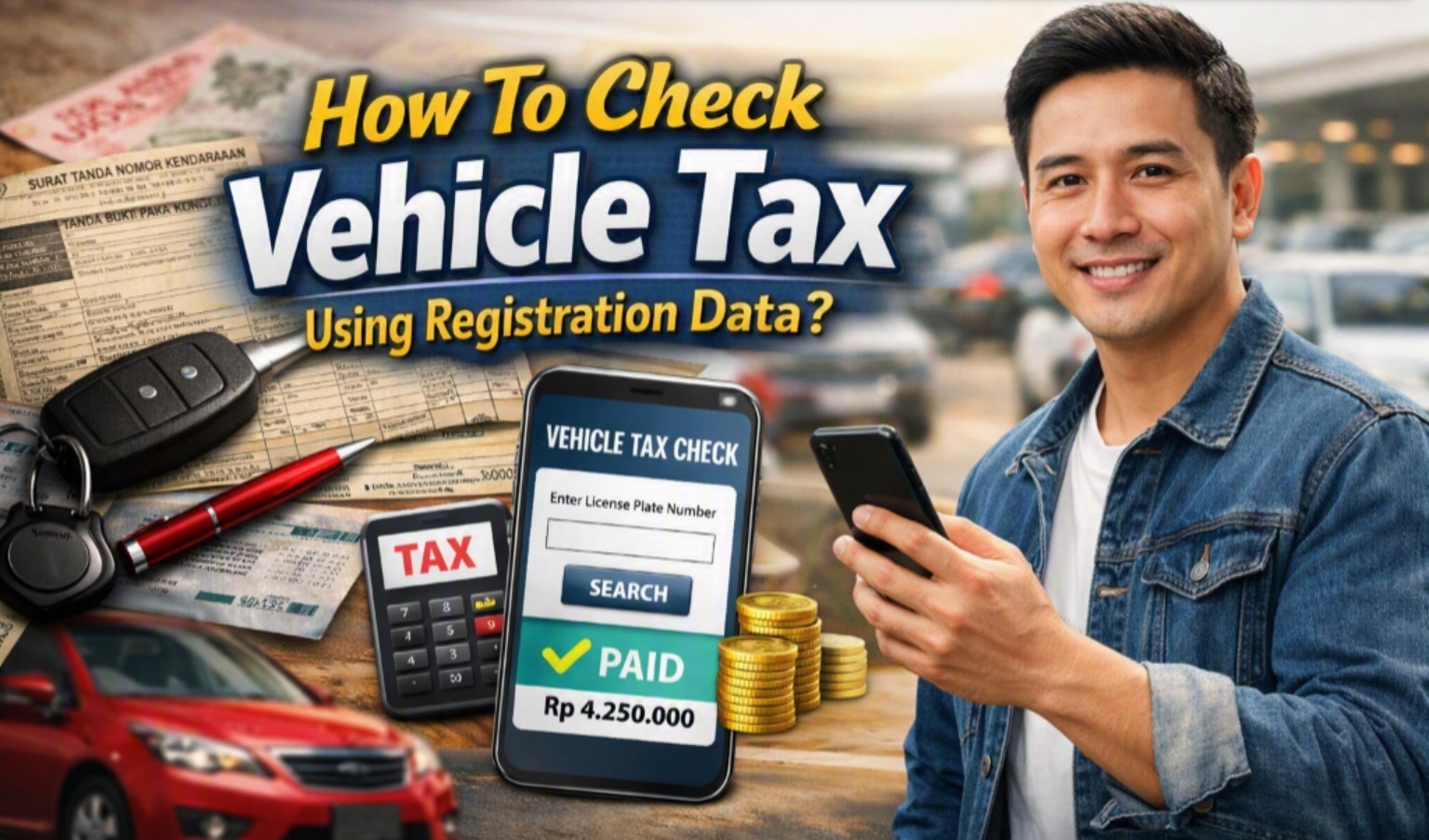
Checking vehicle tax is an important step for every vehicle owner, especially before the annual tax due date. In Indonesia, vehicle tax information can be accessed through digital services without always visiting a Samsat office. One of the official options is SIGNAL, or Samsat Digital Nasional, which integrates vehicle data from Polri with population and provincial tax databases. (Samsat Digital Nasional)
The process is relatively simple, but the information required can vary depending on the service and region. In general, the vehicle registration number is the main reference used to identify the vehicle. Understanding the correct procedure can help you check the tax status, due date, and applicable payment information more efficiently.
UNDERSTAND THE VEHICLE REGISTRATION DATA
Vehicle registration data refers to information used to identify a registered vehicle. In Indonesia, one of the most important pieces of information is the Nomor Registrasi Kendaraan Bermotor (NRKB), commonly known as the vehicle registration or license plate number. The STNK also contains important information such as the owner's identity, vehicle type, engine number, chassis number, and other vehicle details. (Korlantas Polri)
Before checking vehicle tax, make sure the registration information you enter is correct. A mismatch between the vehicle data and the official database can prevent the information from appearing correctly. For some digital services, additional information such as the owner's NIK or vehicle chassis number may be required for verification. Therefore, it is useful to keep the STNK and related documents available when checking the tax.
CHECK VEHICLE TAX THROUGH SIGNAL
One practical way to check vehicle tax online in Indonesia is through the official SIGNAL application. SIGNAL is designed to provide digital services for annual STNK validation, Motor Vehicle Tax or PKB payment, and SWDKLLJ payment. The system connects vehicle registration data from Polri with population data and provincial vehicle-tax information. (Samsat Digital Nasional)
First, register and verify your account in the SIGNAL application. The official process includes entering personal information, uploading an electronic ID card, completing facial verification, and verifying the registered phone number and email. After registration, you can add vehicle information by entering the NRKB and completing the required verification steps. (Samsat Digital Nasional)
In 2026, SIGNAL also introduced a Cek Ranmor feature that allows users to see whether the vehicle tax is active and check the vehicle's tax due date. The application also provides a Cek Pajak feature for viewing the annual tax amount before the due date, with information available from three months before the due date. (Samsat Digital Nasional)
USE YOUR REGISTRATION NUMBER CORRECTLY
The registration number is essential when identifying a vehicle through digital tax services. Enter the number exactly as it appears on the official vehicle documents, including the appropriate regional code and registration digits. Avoid adding unnecessary spaces or using incorrect characters when the application requires a specific format.
If the system asks for additional verification, provide the information requested by the official service. Some regional electronic Samsat services, for example, may ask for the last five digits of the chassis number after the vehicle registration number has been entered. This additional verification helps ensure that the person checking or paying the tax has the correct vehicle information. (Bapenda Jabar)
REVIEW THE TAX STATUS AND DUE DATE
After the registration data has been successfully verified, check the information displayed by the official service carefully. Depending on the service, you may see the vehicle's tax status, due date, and payment information. SIGNAL's Cek Ranmor feature specifically provides information about whether the vehicle tax is active and when the vehicle's tax is due. (Samsat Digital Nasional)
Checking this information before the deadline is useful because it gives you time to prepare for payment. If the displayed data appears different from your STNK, do not immediately assume that the online system is wrong. Compare the vehicle registration details with your official documents and contact the relevant Samsat or provincial tax authority if the discrepancy remains.
WHAT TO DO IF THE DATA DOES NOT APPEAR?
There are several reasons why tax information may not appear when you search using registration data. The vehicle information may not match the database, the required verification may be incomplete, or the particular digital service may not support the vehicle or transaction you are attempting. Technical problems such as an unstable internet connection can also affect the application.
If the problem continues, check the information on your STNK and make sure the registration number and other required details are entered correctly. You can then contact the official SIGNAL support service or the relevant Samsat office for further assistance. Using official channels is safer than relying on unofficial websites or individuals who claim they can access vehicle tax databases.
CHECK VEHICLE TAX BEFORE THE DUE DATE
Regularly checking vehicle tax can help vehicle owners avoid forgetting important payment deadlines. SIGNAL provides digital access to vehicle tax information and annual STNK validation services, making it easier to monitor these obligations. (Samsat Digital Nasional)
It is also important to remember that checking tax information and completing payment are not necessarily the same process. If you decide to pay digitally, follow the official payment instructions provided by the service. SIGNAL states that its payment process uses a payment code and warns users to be cautious of scams that impersonate the application. (Samsat Digital Nasional)
CONCLUSION
The safest approach is to use official government or Samsat services when checking vehicle tax. Avoid websites, applications, or social media accounts that request excessive personal information without clear official credentials. Vehicle and identity information should be handled carefully because registration data can contain sensitive personal and vehicle details.
For Indonesian vehicle owners, SIGNAL is an official digital service developed by the National Samsat Coordinators and integrates data from relevant institutions. Its services include vehicle tax payment, annual STNK validation, and vehicle-related information features. (Samsat Digital Nasional)
In short, checking vehicle tax using registration data is generally straightforward: prepare the vehicle registration number, access an official service, enter the required information, complete verification when requested, and review the displayed tax status and due date. Checking the information regularly makes it easier to manage your vehicle obligations and avoid missing important deadlines.
Tentang Penulis
Gusti Ayu Tita P
Penulis — Universitas STEKOM
Penulis aktif yang berfokus pada isu-isu akademik, teknologi pendidikan, dan pengembangan sumber daya manusia di lingkungan kampus.