
How to Create a Tax Invoice in Coretax DJP for Businesses and Companies?
Gusti Ayu Tita P
26 Agustus 2026
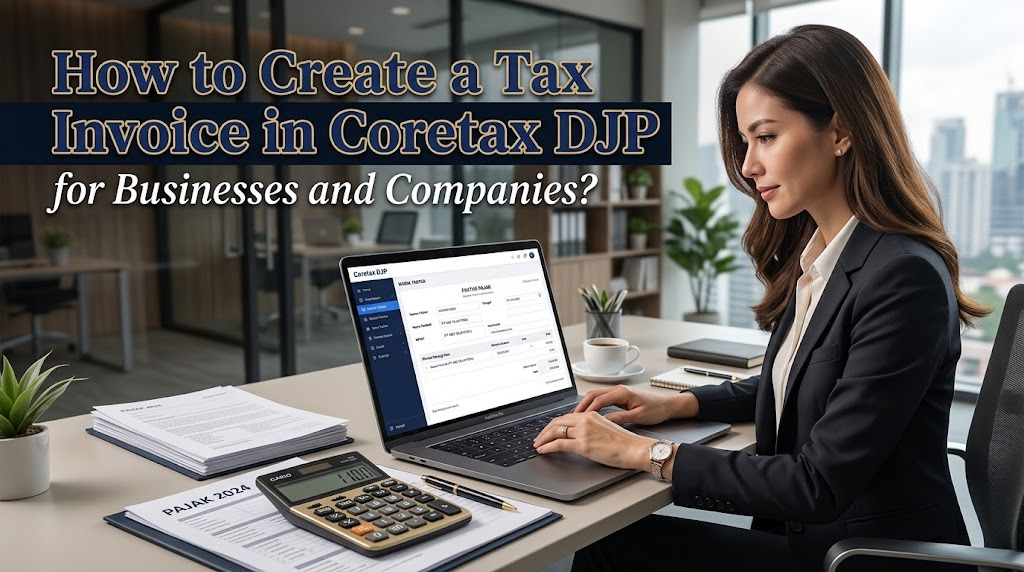
Creating a tax invoice in Coretax DJP is an important part of tax administration for businesses and companies that are required to issue tax invoices. Coretax provides an integrated digital environment for managing various tax administration activities, including tax invoice administration. Understanding the correct process can help businesses reduce administrative errors and maintain organized tax records.
For business owners and company administrators, creating a tax invoice should not be done carelessly. The information entered must correspond with the underlying transaction and the parties involved. Proper preparation of transaction data, taxpayer information, and supporting documents can make the process more efficient.
UNDERSTAND TAX INVOICES IN CORETAX DJP
A tax invoice is an important document in VAT administration that records a taxable transaction involving a taxable entrepreneur or PKP. Through Coretax, tax invoice-related activities are integrated into the broader tax administration system. This allows businesses to manage their tax invoice obligations digitally.
Before creating an invoice, the business should determine whether the transaction requires a tax invoice under the applicable VAT rules. Not every transaction is treated in exactly the same way. Therefore, businesses should understand the nature of the transaction and the applicable tax treatment before entering information into Coretax.
PREPARE THE TRANSACTION INFORMATION
Before creating a Coretax tax invoice, prepare the necessary transaction information. This can include the buyer's taxpayer identification details, transaction date, description of goods or services, transaction value, and applicable VAT information. The information should be taken from reliable business records.
Businesses should also check the customer's information carefully. An incorrect NIK, NPWP, name, address, or transaction value can create inconsistencies in tax administration. Reviewing the data before submission is therefore an important part of the invoice creation process.
ACCESS YOUR CORETAX DJP ACCOUNT
Start by accessing the official Coretax DJP portal and logging in using the authorized account. Business taxpayers should make sure that the person accessing the account has the appropriate authority. Keep login credentials confidential and do not share passwords or verification codes with unauthorized individuals.
After logging in, check the taxpayer profile and business information. Make sure the relevant PKP information and other available data are correct. If important information is inaccurate, follow the appropriate data correction procedure before creating the tax invoice.
SELECT THE TAX INVOICE SERVICE
After entering Coretax, access the relevant tax invoice or VAT administration service. Follow the menu and instructions displayed by the system because the interface and procedures may be updated. The available functions can depend on the taxpayer's status and authorization.
Before proceeding, determine the correct transaction type and tax treatment. Using the wrong transaction classification can affect the information recorded on the invoice. If the tax treatment is unclear, consult applicable tax regulations or seek assistance from a qualified tax professional.
ENTER THE SELLER AND BUYER INFORMATION
The next stage involves entering or confirming the seller and buyer information. Make sure the taxpayer identification information belongs to the correct parties involved in the transaction. Carefully compare the information with the underlying business documents.
Accuracy is particularly important when entering customer identification and transaction details. Incorrect information can require correction and may create unnecessary administrative work. Businesses should establish an internal checking process before an invoice is finalized.
ENTER GOODS OR SERVICES AND TRANSACTION VALUE
Enter the details of the taxable goods or services involved in the transaction. The description should be clear enough to identify what was sold or provided. The transaction value should also match the underlying invoice or sales documentation.
The applicable VAT calculation should be checked carefully before submission. Businesses should ensure that the tax amount is calculated according to the current rules and the nature of the transaction. Avoid relying only on manual calculations when the system provides relevant calculation functions.
REVIEW THE TAX INVOICE BEFORE SUBMISSION
Before finalizing the invoice, conduct a detailed tax invoice review. Check the taxpayer identification, customer information, transaction date, taxable amount, VAT amount, and other required information. Compare the digital information with the original sales or transaction documents.
This review can help prevent incorrect tax invoice data from entering the tax administration system. Businesses should pay particular attention to transaction values and customer identification. Once the information has been finalized, follow the applicable Coretax procedure for issuing or recording the invoice.
KEEP THE TAX INVOICE RECORDS
After the tax invoice has been successfully created, maintain a proper tax invoice archive. Store the relevant electronic records together with sales documents, contracts, payment records, and other supporting information. An organized archive can make future tax administration and reconciliation easier.
Businesses should also establish a consistent filing system based on transaction date, customer, invoice number, or tax period. Good recordkeeping helps accounting and tax teams locate documents quickly. It can also make it easier to review transactions when preparing tax reports.
COMMON PROBLEMS WHEN CREATING TAX INVOICES
Businesses may encounter Coretax errors when creating a tax invoice. Problems can result from incorrect taxpayer information, incomplete transaction details, invalid customer data, system issues, or an inappropriate transaction classification. Reading the error message carefully is the first step toward identifying the problem.
If the information appears correct but the problem persists, check whether there is a temporary Coretax service issue. Avoid repeatedly submitting the same transaction without understanding the cause. If necessary, record the error details and contact an official DJP support channel.
TIPS FOR BUSINESSES AND COMPANIES
Businesses can make tax invoice administration easier by maintaining accurate customer databases and transaction records. Create an internal checklist covering customer information, transaction values, VAT treatment, and supporting documents. This can reduce mistakes before information is entered into Coretax.
Access to the business's Coretax account should also be managed carefully. Only authorized personnel should handle tax invoice administration, and account credentials must remain confidential. Regular reconciliation between accounting records and tax administration can help identify discrepancies early.
CONCLUSION
Creating a tax invoice in Coretax DJP requires careful preparation and accurate transaction information. Businesses should prepare the necessary documents, access the official Coretax account, enter seller and buyer information, record the transaction correctly, verify the VAT calculation, and review the invoice before finalizing it.
By understanding Coretax DJP, tax invoices, Coretax tax invoice creation, VAT administration, taxpayer data, and business tax administration, companies can manage their tax obligations more systematically. Always follow the latest DJP regulations and official Coretax guidance, especially when tax procedures or system features are updated.
Tentang Penulis
Gusti Ayu Tita P
Penulis — Universitas STEKOM
Penulis aktif yang berfokus pada isu-isu akademik, teknologi pendidikan, dan pengembangan sumber daya manusia di lingkungan kampus.