
How to Free Up Storage Space on Android Without Losing Important Files?
Gusti Ayu Tita P
7 Agustus 2026
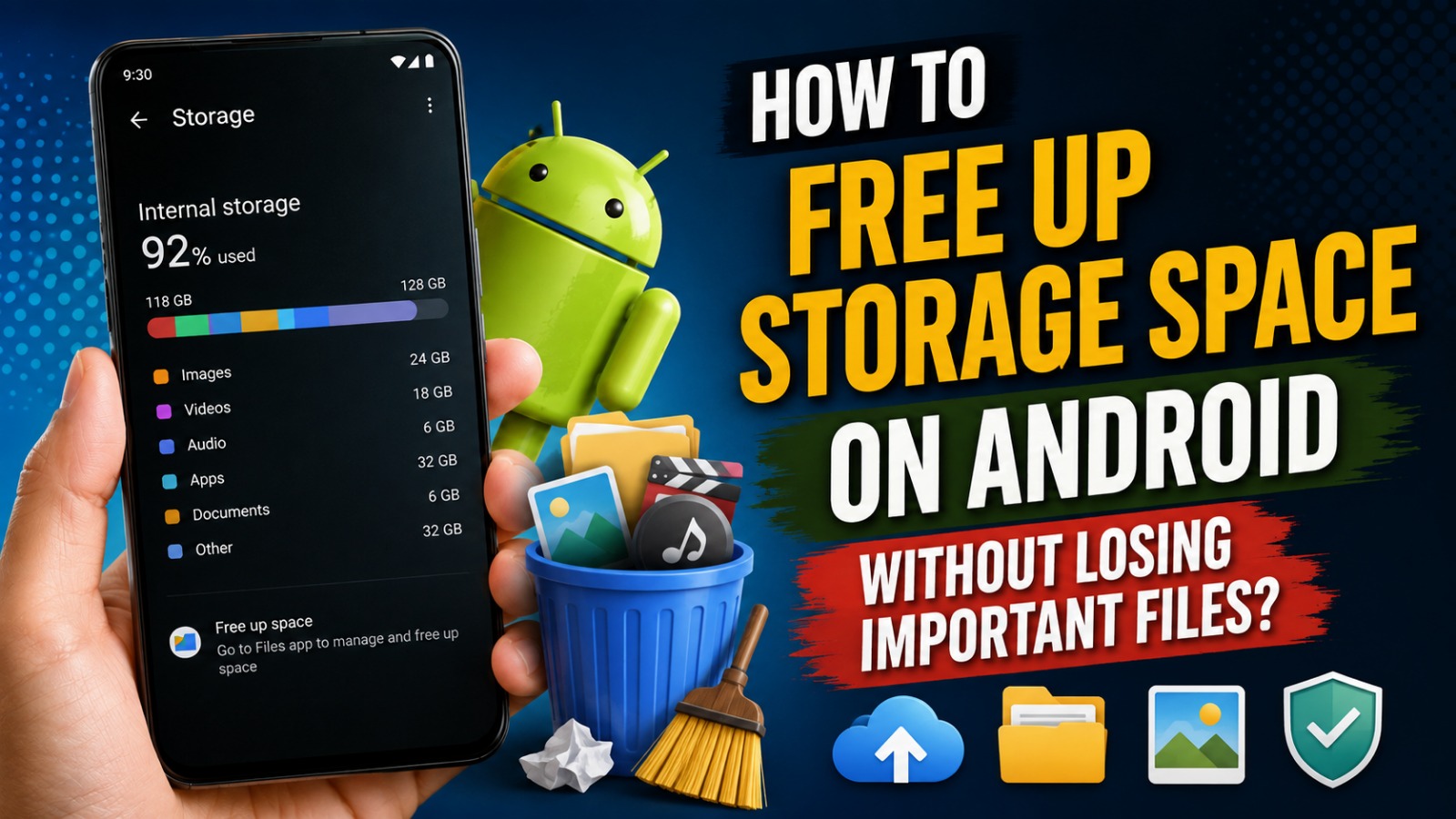
Running out of storage space is one of the most common problems faced by Android users. A full storage device can slow down performance, prevent software updates, and make it difficult to install new applications or save photos and videos. Fortunately, you do not need to delete your valuable files to regain storage space.
This guide explains how to free up storage space on Android without losing important files. By using built-in Android tools and adopting smart file management habits, you can optimize your device's storage while keeping your documents, photos, videos, and apps safe.
UNDERSTAND WHAT IS USING YOUR STORAGE
Before deleting anything, it is important to identify which files and applications occupy the most storage. Android provides a storage management feature that categorizes usage into apps, photos, videos, audio files, downloads, documents, and system files. Reviewing this information helps you make informed decisions instead of deleting files randomly.
Many users discover that large videos, duplicate photos, and rarely used applications consume most of their storage. By understanding where your storage is being used, you can target unnecessary files while protecting your valuable data. Storage analysis, Android storage management, and file organization are the first steps toward freeing up space efficiently.
REMOVE UNUSED APPLICATIONS
Many smartphones contain applications that have not been opened for months. Although some apps appear small, they often store additional data, updates, and cache files that consume significant storage over time. Removing applications you no longer need is one of the quickest ways to recover space.
Before uninstalling an app, check whether it contains important personal information. Some apps automatically synchronize data with cloud services, allowing you to reinstall them later without losing your information. Unused apps, Android storage cleanup, and application management can greatly improve both storage availability and device performance.
CLEAR APP CACHE SAFELY
Applications create temporary cache files to improve loading speed and user experience. Over time, these cache files may occupy several gigabytes of storage without containing essential personal information. Clearing cache removes temporary files while keeping your accounts, settings, and personal documents intact.
Android allows users to clear cache individually through the application settings menu. Focus on apps that store large amounts of temporary data, such as social media, streaming services, and web browsers. Clear app cache, temporary files, and Android optimization help recover storage without affecting important content.
MOVE PHOTOS AND VIDEOS TO CLOUD STORAGE
Photos and videos usually consume more storage than any other type of file. Instead of deleting memorable moments, consider moving them to trusted cloud storage services such as Google Photos, Google Drive, or other secure backup platforms. This allows you to keep your memories while freeing valuable internal storage.
After confirming that your files have been successfully backed up, you can remove local copies from your device. Always verify the backup before deleting anything to avoid accidental data loss. Cloud backup, photo storage, and Android file backup provide both convenience and long-term protection.
DELETE DUPLICATE AND UNNECESSARY FILES
Duplicate photos, downloaded documents, screenshots, and old installation files often accumulate without users realizing it. These unnecessary files gradually consume storage and make file management more difficult. Reviewing your Downloads folder and image gallery regularly helps eliminate clutter.
Many file management applications can identify duplicate files automatically, making cleanup faster and safer. Be sure to review suggested deletions carefully before confirming removal. Duplicate file removal, storage cleaner, and file management help maximize available space without deleting important information.
USE BUILT-IN STORAGE CLEANUP TOOLS
Most modern Android devices include built-in storage management tools that recommend files safe to remove. These tools can identify temporary files, large downloads, duplicate media, and unused applications while helping users avoid deleting critical system files.
Because these recommendations are generated by the operating system, they are generally safer than relying on unknown third-party cleaning applications. Using Android storage cleaner, smart storage management, and automatic cleanup features makes routine maintenance simple and effective.
MOVE FILES TO AN SD CARD OR EXTERNAL STORAGE
If your Android device supports expandable storage, moving large files to a microSD card can instantly free internal storage. Photos, videos, music, and downloaded documents are excellent candidates for external storage because they rarely require fast internal memory access.
Alternatively, users can transfer files to external USB drives or computers for long-term storage. Keeping backup copies on external devices provides additional protection against accidental data loss. MicroSD storage, external backup, and file transfer offer flexible storage management solutions.
MANAGE MESSAGING APPS AND DOWNLOADS
Messaging applications such as WhatsApp, Telegram, and Messenger automatically download photos, videos, voice messages, and documents. Over time, these media files can consume several gigabytes of storage without users noticing. Regularly reviewing media folders prevents unnecessary storage usage.
You can also disable automatic media downloads or configure downloads to occur only over Wi-Fi. This not only saves storage space but also reduces mobile data consumption. Messaging storage management, media cleanup, and download settings help maintain an organized device.
KEEP IMPORTANT FILES BACKED UP
Before making major storage changes, always create a backup of important files. Cloud services, external hard drives, or personal computers provide secure locations for storing valuable documents, family photos, and work-related files. Having multiple backup copies significantly reduces the risk of permanent data loss.
Regular backups also make it easier to reset or upgrade your Android device in the future. With reliable backups in place, users can confidently clean their storage without worrying about losing essential information. Android backup, data protection, and secure storage should always be part of your maintenance routine.
CONCLUSION
Freeing up storage space on Android does not require deleting your most valuable files. By removing unused apps, clearing cache, organizing downloads, backing up media to cloud storage, and using built-in storage management tools, you can recover significant storage while keeping your important information safe.
Developing good file management habits ensures your Android device remains fast, organized, and ready for future updates and new applications. With regular maintenance and proper backups, you can enjoy better performance without sacrificing your precious photos, documents, or personal memories.
Tentang Penulis
Gusti Ayu Tita P
Penulis — Universitas STEKOM
Penulis aktif yang berfokus pada isu-isu akademik, teknologi pendidikan, dan pengembangan sumber daya manusia di lingkungan kampus.