
How to Protect Your Personal Data on Android from Cybersecurity Threats?
Gusti Ayu Tita P
7 Agustus 2026
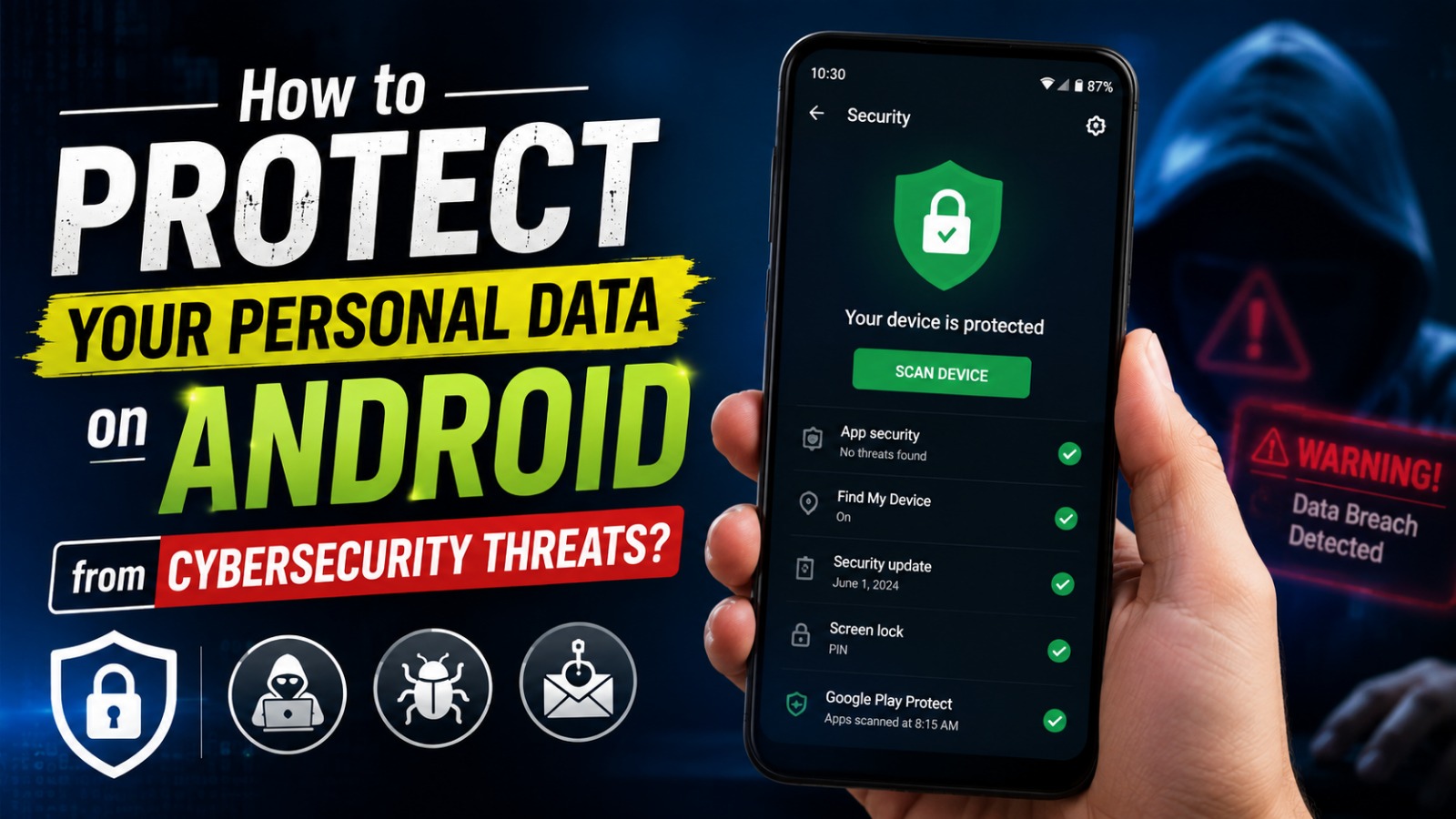
Android smartphones have become an essential part of everyday life. People use them to communicate, manage finances, shop online, store personal photos, and access sensitive information. Because of this, Android devices have become attractive targets for cybercriminals looking to steal personal data through malware, phishing, and other cyberattacks.
Fortunately, protecting your personal information on Android does not require advanced technical knowledge. By understanding common cybersecurity threats and following best security practices, you can significantly reduce the risk of data theft while keeping your device safe and secure.
UNDERSTAND THE MOST COMMON CYBERSECURITY THREATS
Before protecting your data, it is important to recognize the most common Android cybersecurity threats. Malware, ransomware, spyware, phishing attacks, and fake applications are among the biggest risks facing Android users today. These threats often disguise themselves as legitimate apps, emails, or websites to trick users into revealing sensitive information.
Cybercriminals constantly develop new techniques to bypass security measures. Some attacks silently collect passwords, banking details, and personal files without the user's knowledge. Understanding cybersecurity risks, Android malware, and phishing scams is the first step toward building stronger digital security habits.
DOWNLOAD APPS ONLY FROM TRUSTED SOURCES
One of the easiest ways to protect your personal data is by downloading applications only from the Google Play Store or other trusted official sources. Official app stores perform security checks that reduce the risk of distributing harmful software. While no platform is completely risk-free, official stores provide a much safer environment than unknown websites.
Before installing an application, carefully review its ratings, user reviews, download count, and developer information. Avoid apps with very few downloads, poor reviews, or suspicious permission requests. Trusted Android apps, safe app downloads, and verified developers help minimize the chances of installing malicious software.
KEEP YOUR ANDROID DEVICE UPDATED
Regular software updates play a crucial role in maintaining Android security. Manufacturers release updates to fix security vulnerabilities, improve system stability, and strengthen protection against newly discovered cyber threats. Ignoring updates leaves your device exposed to attacks that could otherwise be prevented.
Application updates are equally important because outdated apps may contain security flaws. Enable automatic updates whenever possible to ensure both your operating system and applications receive the latest security improvements. Android security updates, software patches, and automatic updates are essential for protecting personal information.
USE STRONG SCREEN LOCKS AND BIOMETRIC SECURITY
A secure screen lock is your first line of defense if your smartphone is lost or stolen. Instead of using simple PINs like "1234" or predictable patterns, choose a strong passcode that is difficult to guess. Combining a secure PIN with fingerprint authentication or facial recognition adds another layer of protection.
Biometric security makes unauthorized access much more difficult while keeping the unlocking process fast and convenient. Regularly updating your passcode and avoiding shared passwords further strengthens your device's overall security. Screen lock security, biometric authentication, and strong passwords greatly reduce the risk of unauthorized access.
REVIEW APP PERMISSIONS REGULARLY
Many Android applications request access to features such as your camera, microphone, contacts, location, and storage. While some permissions are necessary for proper functionality, others may collect more information than required. Reviewing permissions regularly helps prevent unnecessary data sharing.
Android allows users to manage permissions individually through the Settings menu. Revoke access for apps that no longer need certain permissions or are rarely used. Choosing options like "Allow only while using the app" instead of permanent access improves both privacy and battery life. App permissions, Android privacy, and data protection should become part of your routine device maintenance.
BE CAREFUL WITH PUBLIC WI-FI NETWORKS
Public Wi-Fi networks found in airports, cafes, hotels, and shopping centers are convenient but often less secure than private connections. Hackers may intercept data transmitted over unsecured networks, potentially exposing passwords, emails, and financial information.
Whenever possible, avoid logging into banking applications or entering sensitive information while connected to public Wi-Fi. If public internet access is necessary, consider using a trusted Virtual Private Network (VPN) to encrypt your internet traffic. Secure internet browsing, VPN protection, and safe Wi-Fi practices significantly improve online privacy.
RECOGNIZE PHISHING ATTEMPTS
Phishing remains one of the most common methods cybercriminals use to steal personal information. Attackers send fake emails, text messages, or social media messages pretending to be banks, delivery companies, or well-known organizations. These messages often encourage users to click malicious links or enter confidential information.
Always verify the sender before opening links or downloading attachments. Be cautious of messages creating unnecessary urgency, requesting passwords, or offering unrealistic rewards. Phishing protection, email security, and safe online behavior help prevent identity theft and financial fraud.
ENABLE GOOGLE SECURITY FEATURES
Android includes several built-in security features designed to protect users automatically. Google Play Protect continuously scans installed applications for harmful behavior and warns users about potentially dangerous software. Keeping this feature enabled provides an additional layer of protection against malware.
You should also activate Find My Device, which allows you to locate, lock, or erase your smartphone remotely if it is lost or stolen. Enabling two-factor authentication (2FA) on your Google account further strengthens account security by requiring a second verification step during login.
BACK UP YOUR IMPORTANT DATA
Even with strong security practices, unexpected situations such as device damage, theft, or ransomware attacks can occur. Creating regular backups ensures your photos, contacts, documents, and other important files remain safe if your device becomes inaccessible.
Android offers convenient cloud backup options through your Google account, while local backups to a computer or external storage provide additional protection. Maintaining multiple copies of valuable data minimizes the risk of permanent information loss. Android backup, cloud storage, and data recovery are essential parts of a complete cybersecurity strategy.
CONCLUSION
Protecting your personal data on Android requires a combination of secure habits and built-in security features. Downloading apps from trusted sources, installing regular updates, reviewing app permissions, using strong authentication, and staying alert to phishing attempts all contribute to a safer mobile experience.
As cyber threats continue to evolve, staying informed and practicing good Android cybersecurity habits becomes increasingly important. By following these recommendations, you can confidently use your Android device while keeping your personal data, online accounts, and digital identity secure.
Tentang Penulis
Gusti Ayu Tita P
Penulis — Universitas STEKOM
Penulis aktif yang berfokus pada isu-isu akademik, teknologi pendidikan, dan pengembangan sumber daya manusia di lingkungan kampus.