
The Ultimate Guide to Saving Battery Life on Android Devices
Gusti Ayu Tita P
7 Agustus 2026
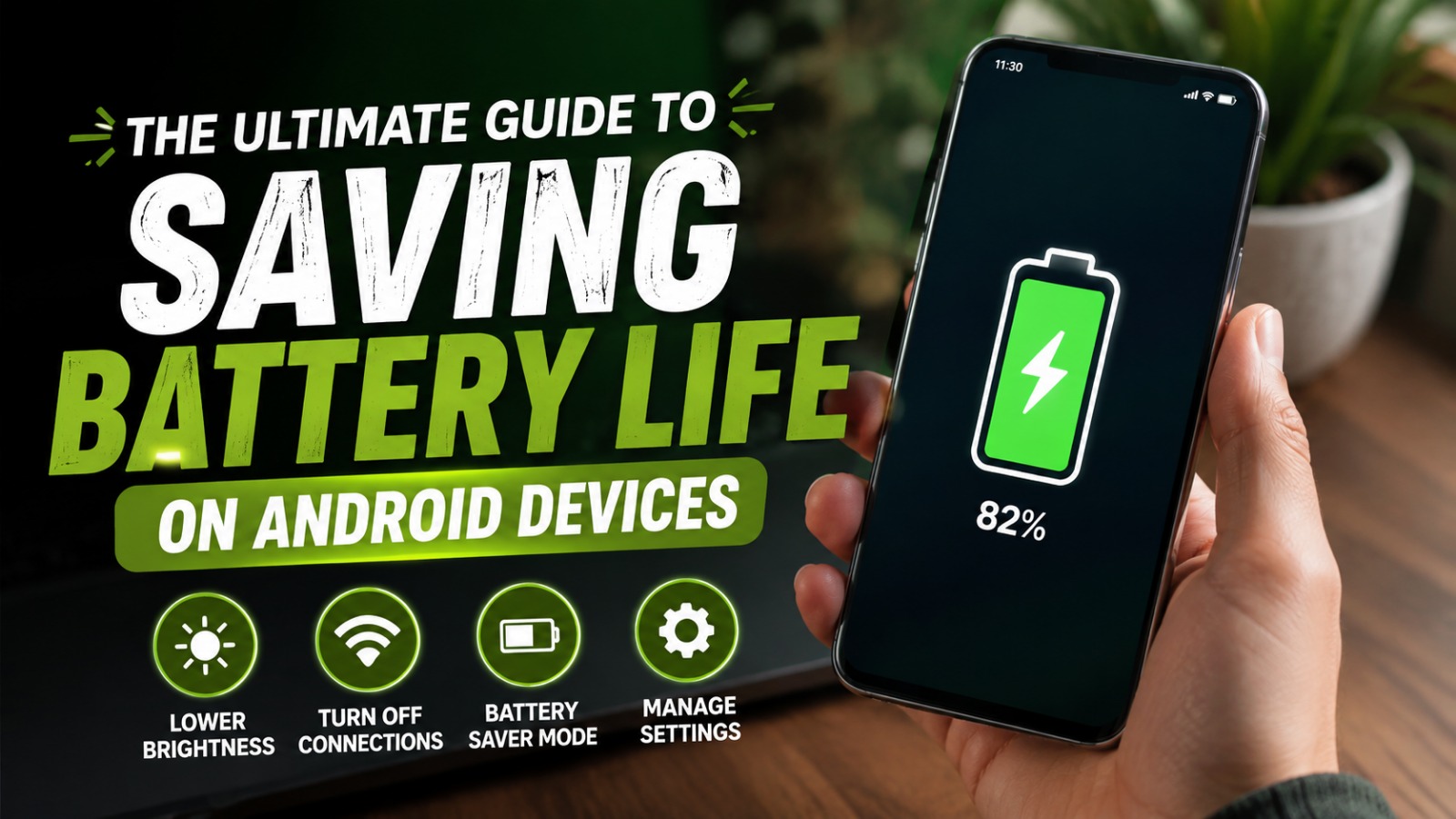
Battery life has become one of the most important factors for smartphone users. Whether you use your phone for work, education, entertainment, or communication, a long-lasting battery helps you stay productive throughout the day. Although modern Android smartphones come with larger batteries and smarter power management, many users still experience fast battery drain due to improper settings and usage habits.
This guide explains the best ways to save battery life on Android devices without sacrificing performance. By understanding how Android manages power and applying a few simple techniques, you can significantly extend your phone's battery life while maintaining a smooth user experience.
UNDERSTANDING WHAT DRAINS YOUR ANDROID BATTERY
The first step to improving Android battery life is understanding what consumes the most power. The display is usually the largest battery consumer, especially when brightness is set too high or the screen remains on for long periods. Applications running in the background, GPS services, mobile data, Bluetooth, and high refresh rate displays also contribute to increased battery usage.
Every Android device includes a battery usage report that shows which apps consume the most power. Reviewing this information regularly helps identify applications that use excessive battery even when they are not actively being used. Monitoring battery usage, background apps, and screen time allows users to make smarter decisions about which features should remain active.
OPTIMIZE DISPLAY SETTINGS
The display is responsible for a significant portion of battery consumption. Lowering the screen brightness or enabling Adaptive Brightness allows the device to automatically adjust brightness based on surrounding light conditions. This simple adjustment can noticeably improve battery life throughout the day.
Another useful setting is reducing the screen timeout duration. Setting the display to turn off after 15 or 30 seconds of inactivity prevents unnecessary power consumption. If your smartphone supports a 120Hz refresh rate, switching to 60Hz when high performance is unnecessary can further reduce battery usage without greatly affecting daily activities.
MANAGE BACKGROUND APPLICATIONS
Many applications continue running after they are closed, consuming battery through background synchronization and notifications. While some apps need background activity, many others do not require constant updates. Restricting unnecessary background processes helps preserve battery power.
Android provides options to limit background activity for individual applications. Users should regularly check battery settings and disable unrestricted battery usage for apps that are rarely used. Background app management, battery optimization, and restricted app activity can significantly extend battery performance over time.
ENABLE BATTERY SAVER MODE
Most Android smartphones include a built-in Battery Saver feature designed to reduce power consumption automatically. When enabled, the device limits background activities, reduces visual effects, and delays non-essential synchronization tasks. This feature is especially useful when battery levels become low.
Many devices also include Adaptive Battery, an intelligent feature that learns your usage habits. It prioritizes frequently used applications while limiting rarely opened apps. Combining Battery Saver, Adaptive Battery, and smart charging habits offers one of the most effective ways to maximize battery efficiency.
TURN OFF UNUSED CONNECTIVITY FEATURES
Wireless connections continuously search for signals, which increases battery usage over time. Features such as Bluetooth, Wi-Fi, GPS, and Near Field Communication (NFC) should only remain enabled when needed. Turning them off when unused helps conserve battery power throughout the day.
Location services deserve special attention because GPS can consume a considerable amount of energy. Many apps request location access even when they do not require it. Adjusting location permissions to "While Using the App" instead of "Always Allow" reduces unnecessary battery drain while protecting user privacy.
KEEP YOUR SOFTWARE UPDATED
Software updates do more than introduce new features. Android updates frequently include battery optimization improvements, security patches, and performance enhancements that improve overall efficiency. Installing official updates ensures your device benefits from the latest power management technologies.
Application updates are equally important because developers often optimize their software to reduce battery consumption. Keeping both the operating system and installed applications updated minimizes compatibility issues while improving battery performance and device stability.
DEVELOP HEALTHY CHARGING HABITS
Proper charging practices help preserve long-term battery health. Modern lithium-ion batteries perform best when kept between 20% and 80% instead of frequently reaching complete discharge or remaining at 100% for extended periods. Avoiding extreme charging habits can slow battery degradation.
Using original or certified chargers also improves charging safety. Cheap or incompatible chargers may generate excessive heat, which negatively affects battery lifespan. Smart charging habits, quality chargers, and temperature control contribute to maintaining battery health for years.
REMOVE OR DISABLE UNUSED APPS
Many Android devices come with pre-installed applications that users rarely open. These apps may continue consuming storage, memory, and battery resources through background updates. Removing or disabling unnecessary apps improves overall system efficiency.
Review installed applications every few months and uninstall software that is no longer useful. Fewer installed apps mean fewer background services competing for system resources. Cleaning unused apps not only improves battery life but also enhances device speed and available storage space.
CONCLUSION
Improving Android battery life does not require expensive accessories or advanced technical knowledge. Small adjustments such as reducing screen brightness, limiting background applications, enabling Battery Saver, updating software, and following healthy charging habits can dramatically increase daily battery performance.
As Android continues to evolve, battery management becomes increasingly intelligent. However, user habits remain one of the biggest factors affecting battery longevity. By applying the recommendations in this guide, users can enjoy longer battery life, better device performance, and a more reliable smartphone experience.
Tentang Penulis
Gusti Ayu Tita P
Penulis — Universitas STEKOM
Penulis aktif yang berfokus pada isu-isu akademik, teknologi pendidikan, dan pengembangan sumber daya manusia di lingkungan kampus.