
Tips for Using Coretax DJP to Make Tax Administration Faster and Easier
Gusti Ayu Tita P
26 Agustus 2026
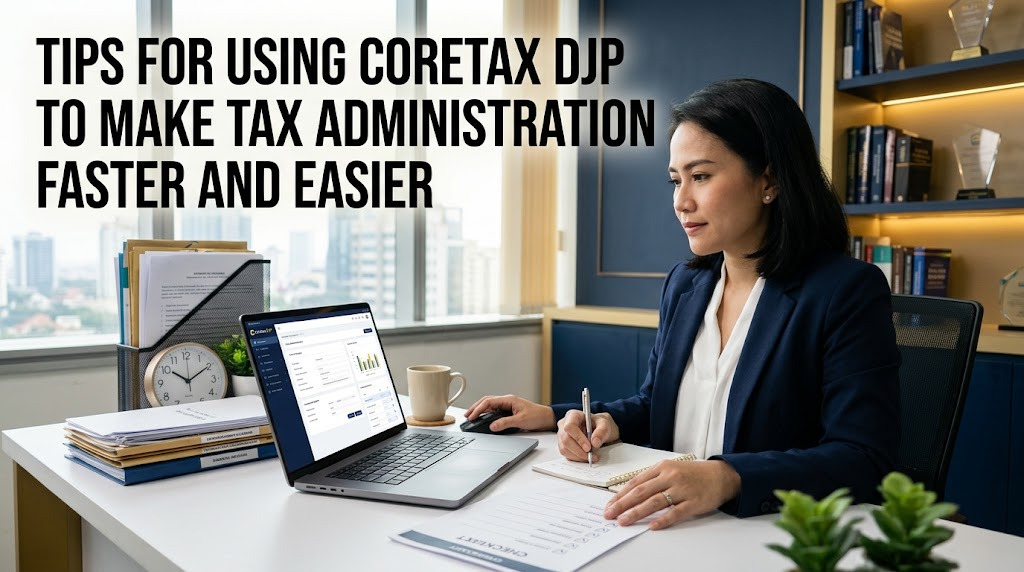
Using Coretax DJP can make digital tax administration more organized when taxpayers understand the available services and prepare their information properly. Coretax is designed as an integrated tax administration system that supports various taxpayer needs. However, efficient use depends not only on the system but also on how carefully taxpayers manage their data and documents.
For beginners and experienced taxpayers alike, simple preparation can prevent many administrative problems. Keeping information accurate, documents organized, and account credentials secure can make the online tax administration process more efficient. The following tips can help taxpayers use Coretax more confidently.
UNDERSTAND THE CORE CORETAX DJP SERVICES
The first step is to understand the Coretax DJP services that are relevant to your taxpayer status. Coretax supports various tax administration activities, including taxpayer data management, tax reporting, payments, and other services according to applicable access rights.
You do not need to learn every feature at once. Focus on the services you use most frequently and understand their basic procedures. This approach can make Coretax for beginners easier to learn without creating unnecessary confusion.
KEEP YOUR TAXPAYER DATA ACCURATE
Accurate taxpayer data is essential for smooth tax administration. Regularly check information such as your name, NIK or NPWP, address, email address, telephone number, and other relevant profile details.
If information has changed, follow the appropriate Coretax data update procedure. Do not wait until you need to file a tax return before checking your profile. Updating information early can reduce potential administrative problems later.
PREPARE TAX DOCUMENTS BEFORE USING CORETAX
One of the easiest ways to save time is to prepare your tax documents before starting an online process. Depending on your tax obligations, documents may include income records, withholding certificates, invoices, payment evidence, financial records, and other supporting information.
Organize documents according to tax year, tax period, transaction type, or business activity. A structured filing system makes it easier to find information when completing a tax return or another tax service. It also reduces the possibility of entering incomplete or inaccurate data.
USE A STABLE INTERNET CONNECTION
A stable internet connection is important when accessing Coretax. Connection interruptions can cause pages to load slowly, forms to fail, or online processes to stop unexpectedly.
When completing important tax administration, use a reliable connection whenever possible. Avoid depending on an unstable network when approaching an important deadline. A good connection can make the Coretax login and online tax process smoother.
KEEP YOUR BROWSER UPDATED
Some Coretax problems can be related to the web browser being used. Make sure your browser is updated and functioning properly before starting an important tax process.
If the page does not display correctly, try refreshing the page or using another supported browser. Clearing browser cache and cookies can also help with certain technical problems. However, users should avoid making unnecessary browser changes without understanding their effect.
LEARN THE CORETAX LOGIN PROCESS
Understanding the Coretax login process can save time when accessing the system. Keep your login information secure and make sure your registered email and mobile phone number remain active.
If you forget your password, use the official password recovery feature rather than creating another account unnecessarily. Never share your password, OTP, or other security information with other people.
COMPLETE TAX ADMINISTRATION EARLY
Do not wait until the final deadline to complete important tax reporting or tax administration. Starting earlier gives you more time to review information and correct problems if something goes wrong.
Early preparation is especially useful when your tax administration involves many documents or transactions. If a technical problem occurs, you still have time to seek official DJP assistance without unnecessary pressure.
CHECK INFORMATION BEFORE SUBMITTING
Before submitting any tax-related form, perform a detailed final review. Check names, taxpayer identification numbers, dates, transaction values, tax amounts, and other relevant information.
Compare the information entered into Coretax with your supporting documents and financial records. This simple step can help prevent avoidable errors. Do not submit information simply because all fields appear to be completed.
KEEP PROOF OF TAX ADMINISTRATION
After completing a tax service, save the relevant proof of submission, payment records, or electronic documents provided by the system. These records can be useful for future reference and reconciliation.
Create a secure digital archive for your tax documents. Organizing records by year and tax type can make it easier to find them later. Businesses should consider maintaining a consistent document management system for their tax administration.
USE OFFICIAL DJP INFORMATION
Tax procedures and digital systems can change over time. Therefore, taxpayers should rely on official DJP information when learning about new Coretax features, reporting procedures, deadlines, or system updates.
Avoid relying entirely on old tutorials or information from unknown sources. A guide that was accurate in the past may no longer reflect the current system. Checking official information helps taxpayers avoid following outdated instructions.
HANDLE CORETAX ERRORS CALMLY
If a Coretax error appears, do not immediately repeat the same action several times. Read the error message and identify whether the problem relates to incomplete information, incorrect data, browser issues, or a possible system problem.
Check the relevant information and try the appropriate troubleshooting step. If the error continues, record the message and use an official DJP support channel. Never give your confidential account credentials to someone who claims to be able to fix the problem unofficially.
PROTECT YOUR CORETAX ACCOUNT
Account security is an essential part of efficient digital tax administration. Use a strong password and keep it confidential. Avoid accessing your taxpayer account through suspicious links or unknown websites.
Never provide your password, OTP, passphrase, or other confidential security information to unauthorized people. Even when someone claims to represent a tax service, verify the official channel before sharing any information.
CONCLUSION
Using Coretax DJP efficiently starts with simple habits such as keeping taxpayer information accurate, preparing tax documents, using a stable internet connection, maintaining an updated browser, and completing tax administration before deadlines.
By understanding Coretax DJP, Coretax login, taxpayer data, tax reporting, online tax administration, and tax documents, taxpayers can manage their obligations more systematically. Most importantly, always follow the latest official DJP guidance, review information before submission, and protect your account credentials to keep the tax administration process safe and efficient.
Tentang Penulis
Gusti Ayu Tita P
Penulis — Universitas STEKOM
Penulis aktif yang berfokus pada isu-isu akademik, teknologi pendidikan, dan pengembangan sumber daya manusia di lingkungan kampus.